Blur your image background
The best free tool to blur your photo background in just 2 seconds.
Select a picture
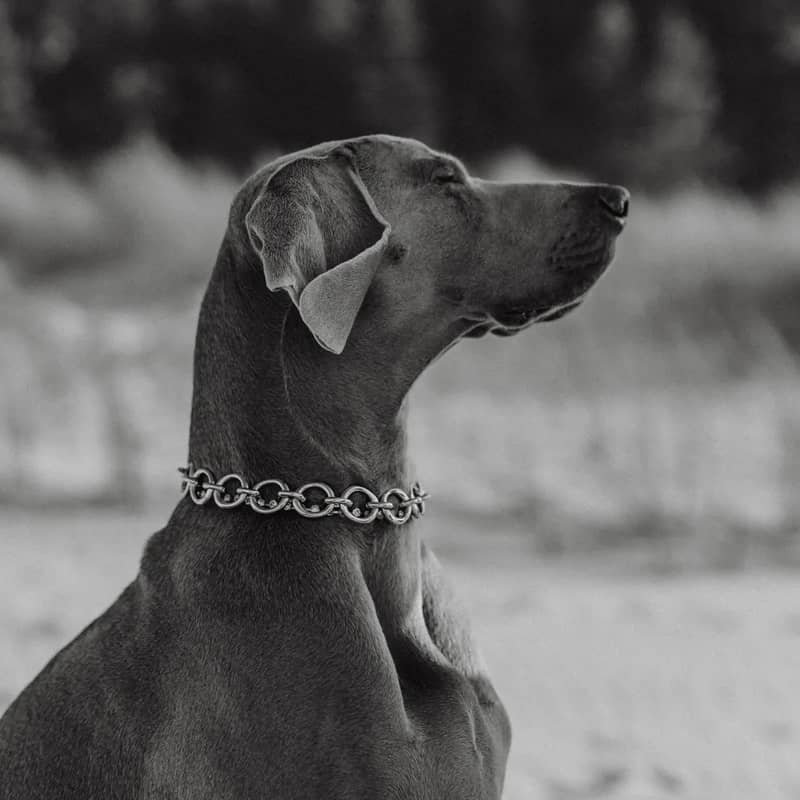
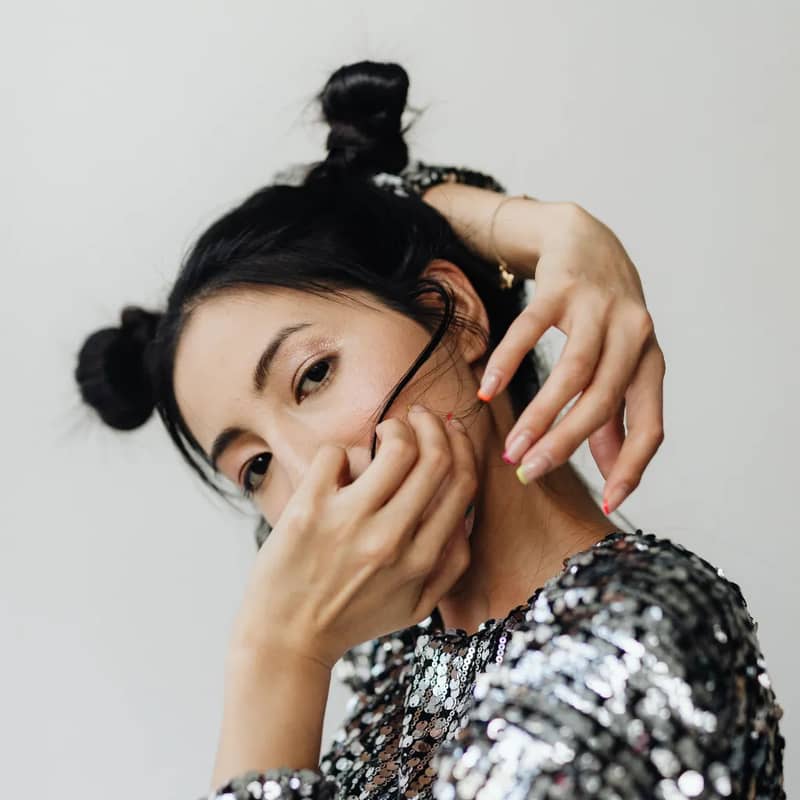
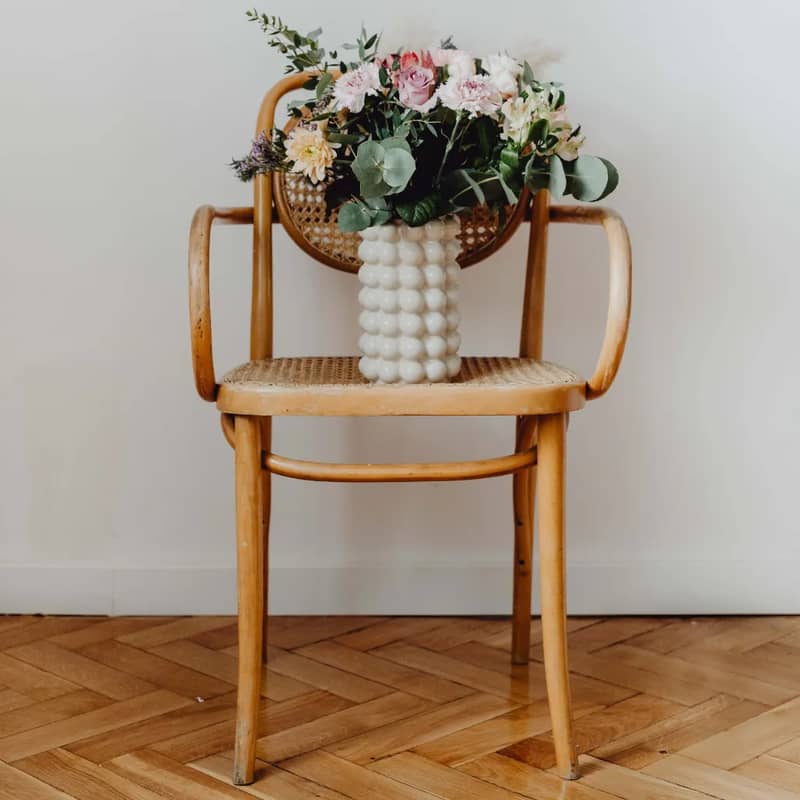
No picture on hand? Try with one of these
How to Blur the Background of Your Image
Step 1
Upload Your Image
Choose the image you want to edit. Imgkits supports PNG and JPG formats in any dimensions. You can use photos, portraits, product images, or any picture where you want to blur the background.
Step 2
Customize Your Blur Effect
Imgkits' smart AI technology automatically identifies the background and applies a professional blur effect. Adjust the blur intensity to create the perfect depth of field, or choose from different blur styles for creative results.
Step 3
Save Your Enhanced Image
Download your image with the beautifully blurred background as a high-quality PNG file. Create an Imgkits account to save your projects and access our complete suite of professional image editing tools.
Maybe you can try
Creative photography projects
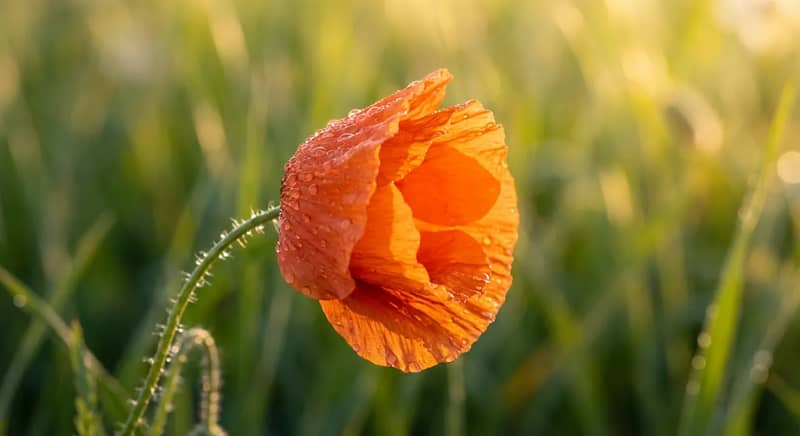
Transform ordinary shots into artistic masterpieces by adjusting blur intensities. Perfect for creating eye-catching social media content, exhibition pieces, and unique visual stories that capture attention.

Professional product photography
Elevate your product images with sophisticated background blur that makes merchandise pop. Ideal for online stores, digital catalogs, and promotional materials that demand visual impact without distractions.
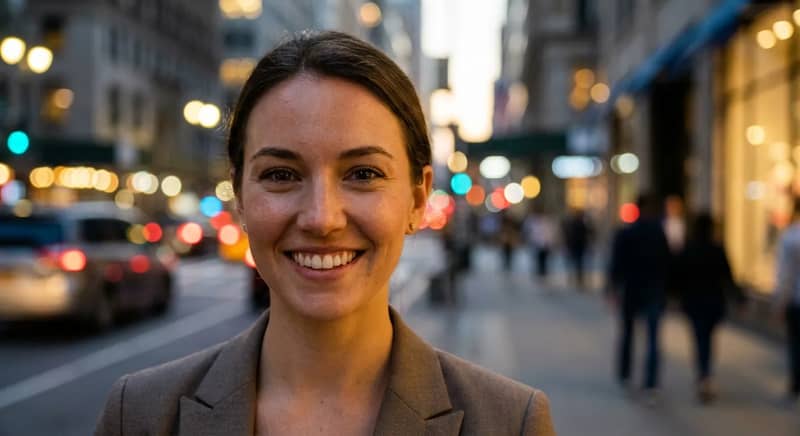
Portrait enhancement
Create studio-quality portraits instantly by applying subtle background blur. Highlight facial expressions and personal features while adding professional depth that makes every portrait look expertly composed.
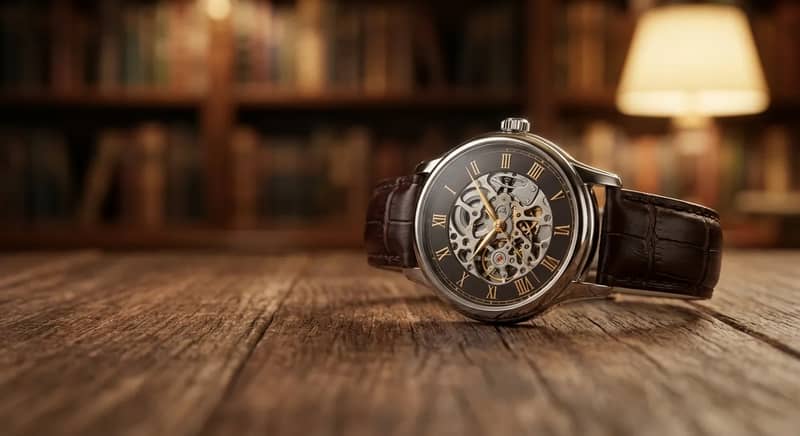
Precision blur for perfect focus
Our intelligent AI technology precisely identifies subjects in your image, preserving every detail while elegantly blurring the background. Achieve professional depth of field that draws attention exactly where you want it.
Blur Background Tool Helped 9,000+ Happy Customers
Affordable and efficient
Wow! Imgkits turned my tiny apartment into a pro photo studio! No more wasting hours or spending tons of money on editing. Now I create amazing photos in seconds. My pics look fantastic, and it doesn't break the bank. Such a time-saver!

Perfect photos for my online store
I'm so happy I can blur backgrounds in my product photos now! My shooting space is usually cluttered and messy. Imgkits cleans everything up instantly. I can focus on my products and create beautiful images for my website. My customers love the professional look!

A total game changer!
Been using this tool for my Instagram posts for almost 2 years. It's super easy to use and completes my workflow perfectly. The community is amazing too - lots of helpful tips and the support team always responds quickly if I need help. Can't imagine creating content without it!

Discover More Tools
Frequently Asked Questions
How does the background blur tool work?
What image formats are supported?
Can I adjust the blur intensity?
Is there a limit to image resolution?
Can I use the blurred images commercially?
Do I need to create an account?
Still have questions?
Can't find the answer you're looking for?Please contact our support team.
Ready to transform your images?
Join thousands of satisfied users who have enhanced their photos with our professional tools.