AI Icon Generator - Create App Icons from Text
Describe an app icon in plain English, choose a visual direction, and generate a polished square icon for your next product or project.
-
0/500
This run uses 1 credit. You have 0 remaining.
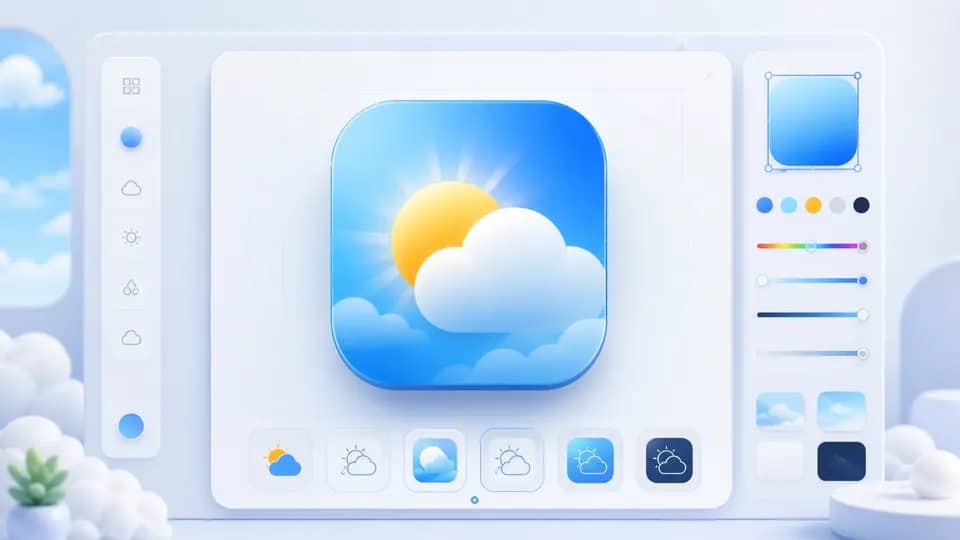
AI Icon Creation Made for App Ideas
Turn a quick product idea into a clear icon concept with a focused prompt workflow and flexible visual directions.
From App Idea to Icon Concept
Describe the subject, mood, and function of your app in one prompt. The AI Icon Generator turns that brief into a focused square composition with a recognizable focal point.

Explore Distinct Visual Directions
Compare minimal, gradient, playful, glass, three-dimensional, and pixel-inspired treatments before choosing the direction that fits your product identity.

Download a Clean Product Asset
Review the generated icon at a useful size, open a larger preview, and download the result as a square PNG for product exploration and design handoff.

Founders, designers, and makers use quick icon concepts to explore product identity before polishing a final system.
A Faster Start for Product Creators
I can describe a new utility app in a sentence and get a visual direction to discuss with the team. It makes early product reviews much faster.

Maya Chen
Product Designer
The style choices help me compare a restrained icon with a more playful direction before I spend time rebuilding the idea in a design file.

Owen Brooks
Indie App Maker
I use it for quick pitch visuals and mood boards. A few prompt variations give our launch concepts a stronger starting point.

Sofia Alvarez
Startup Founder
See the Icon Workflow in Context
The same simple flow works for app concepts, internal tools, game utilities, and product experiments.

Describe the Product
Name the app function and the visual subject so the generated icon has a clear, memorable idea.

Shape the Visual Direction
Choose a style and background treatment to explore the tone your icon should communicate.

Review and Download
Inspect the square result, open the larger preview when needed, and download the PNG for your next design step.
Describe Your Icon
Enter at least one clear sentence about the app, object, or symbol you want to represent.
Choose a Style
Select a visual direction and background treatment that match the product mood you are exploring.
Generate and Save
Generate the icon, inspect the preview, then download the square PNG or try another prompt.
Frequently Asked Questions About AI Icon Generator
Can't find the answer you're looking for? Contact our support team
AI Icon Generator creates square app icon concepts from text descriptions. It helps you explore product identity before final design work.
Yes. Describe the app function, subject, color mood, or symbol you want, and the generator turns that brief into an icon concept.
You can try minimal, gradient, playful, glass, three-dimensional, and pixel-inspired directions from the form.
The generator creates a square icon and provides a PNG download. A square format is useful for early product and app-store concept work.
The result is a useful starting asset, but you should review it for brand, trademark, and platform requirements before final commercial use.