1
Describe the Sound
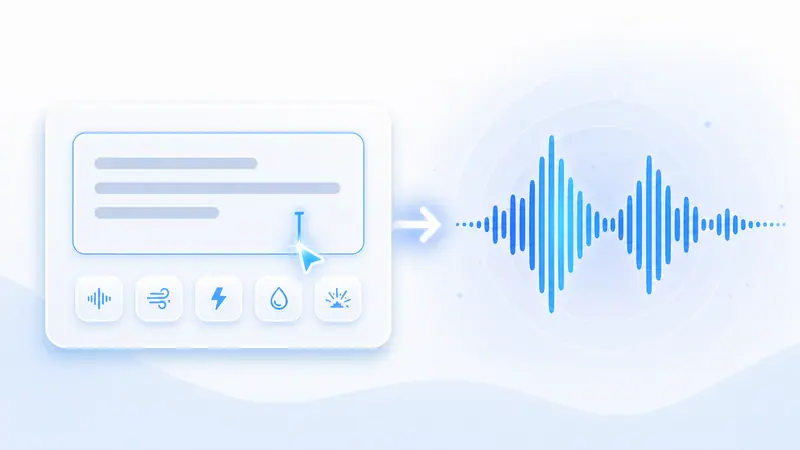
Enter a clear prompt with the setting, action, material, mood, and any sound details you want to hear.
Describe the sound you need and generate custom audio effects for videos, games, podcasts, ads, reels, and creative projects.
-
0/500
This run uses 1 credit. You have 0 remaining.

Move from a plain audio idea to a usable sound cue without digging through stock libraries.
Write a natural description such as footsteps in a hallway, rain on glass, a magic spell, or a cinematic impact and let AI create the sound direction.
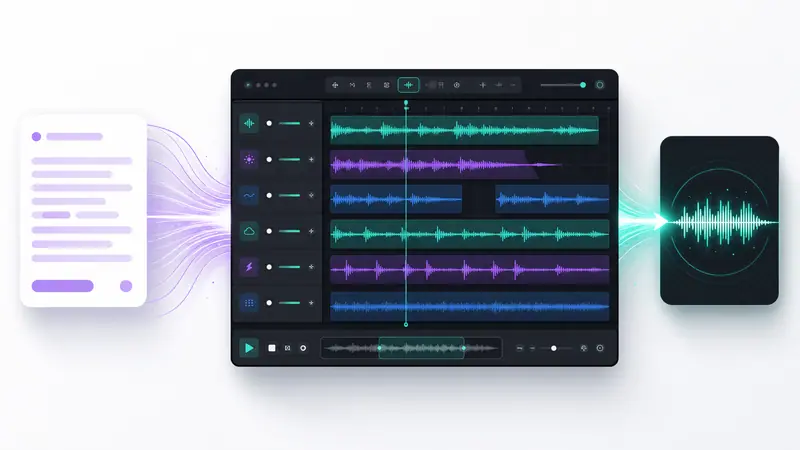
Choose short, focused clips for buttons and transitions or longer ambience for scenes, background loops, and storytelling moments.
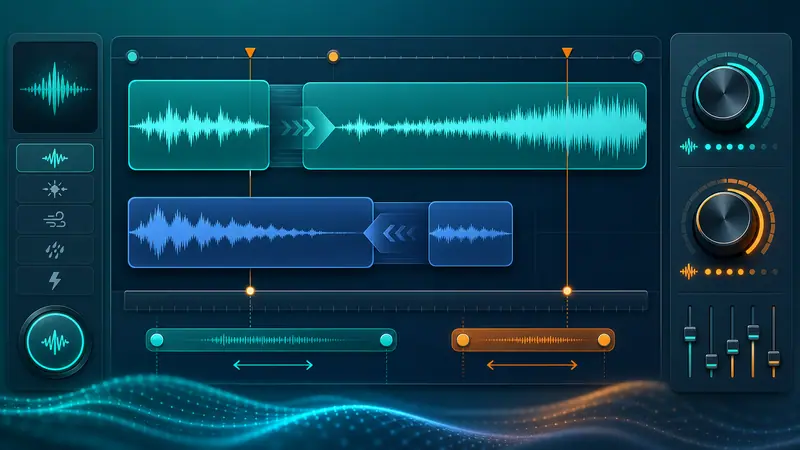
Create ideas for video edits, game prototypes, social posts, podcasts, product demos, ads, educational content, and motion graphics.
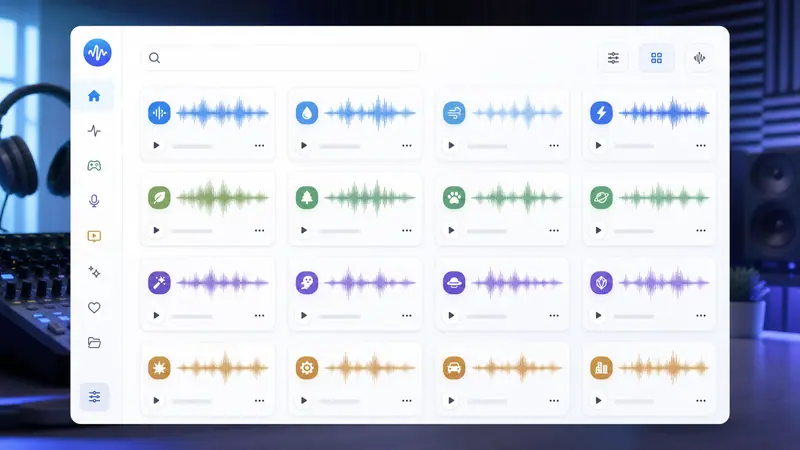
Creators use Imgkits when they need a custom sound direction before opening a full audio editor.
I use it to rough out sound cues for reels and ads. It is faster than searching through folders of stock audio.

Maya Reed
Video Editor
For game prototypes, I can describe UI taps, pickups, and ambience and get a usable reference sound quickly.

Ethan Brooks
Indie Game Designer
It helps us test audio directions before spending time on detailed sound design in a DAW.

Clara Evans
Creative Producer
Create a custom sound effect in three focused steps.
Enter a clear prompt with the setting, action, material, mood, and any sound details you want to hear.
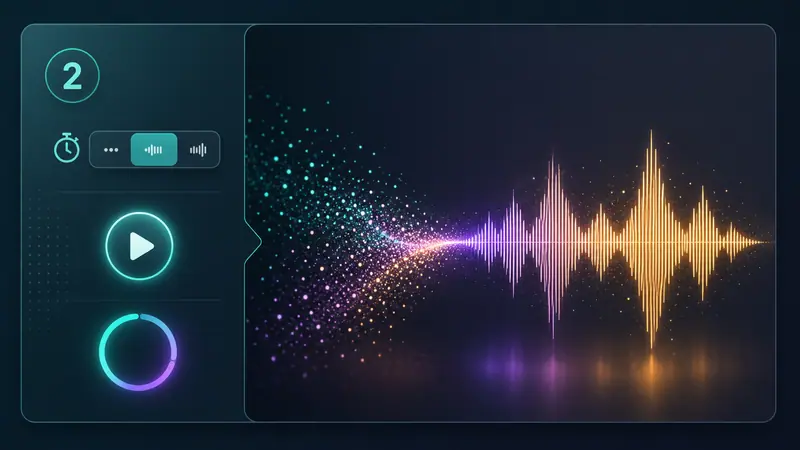
Pick a short or longer clip length based on whether you need a button sound, transition, impact, ambience, or loop idea.
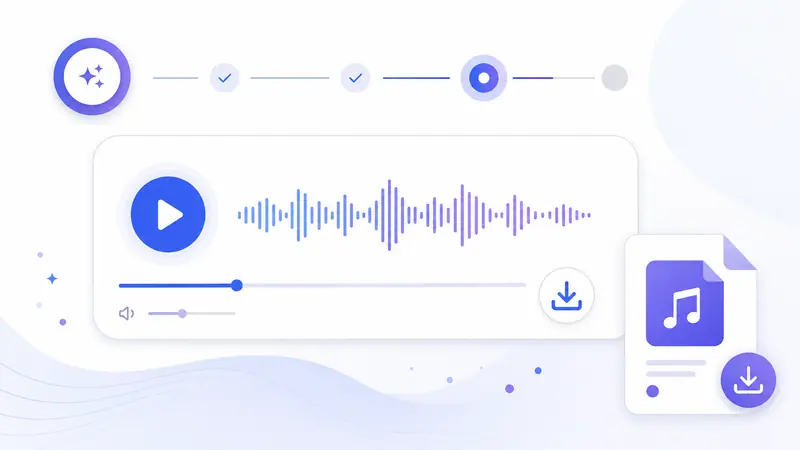
Generate the audio, listen in the browser, then download the sound effect for your editing workflow.
Can't find the answer you're looking for? Contact our support team
You can create ambience, Foley-style effects, UI sounds, transitions, impacts, nature sounds, game audio ideas, cinematic cues, and other short sound effects from text prompts.
Yes. This tool is focused on sound effects and audio cues, not full songs. It works best for scene sounds, effects, textures, and short audio moments.
Describe the source, environment, mood, timing, and intensity. For example, mention whether the sound is distant, close, metallic, soft, heavy, wet, echoing, or cinematic.
Yes. The generated clips can be used as creative starting points for video edits, game prototypes, motion graphics, podcasts, social posts, and presentations.
Yes. After generation, preview the result in the browser and download the audio file for your project workflow.
You can open the tool and try the workflow online. Generation may use account credits depending on your plan.
Keep exploring
Related Imgkits tools selected for the task you are working on.