1
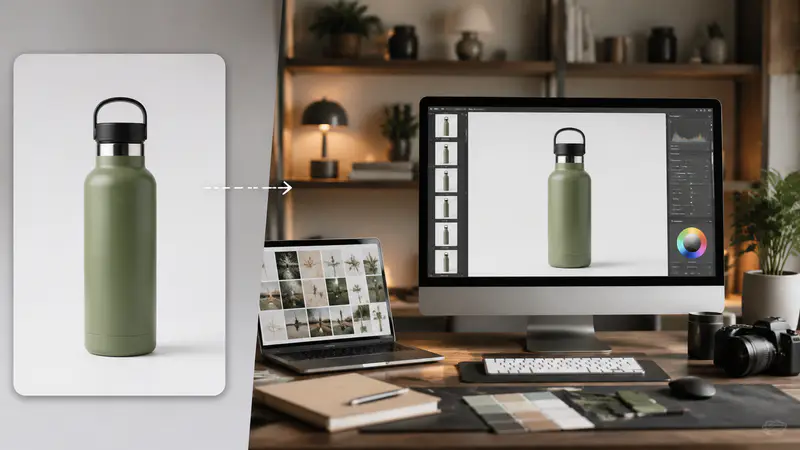
Upload a clear product image
Choose one image under 10MB where the full product, edges, materials, and important packaging details are easy to inspect.
Upload a product image, describe the scene, and create a refined commercial photo while keeping the product recognizable.
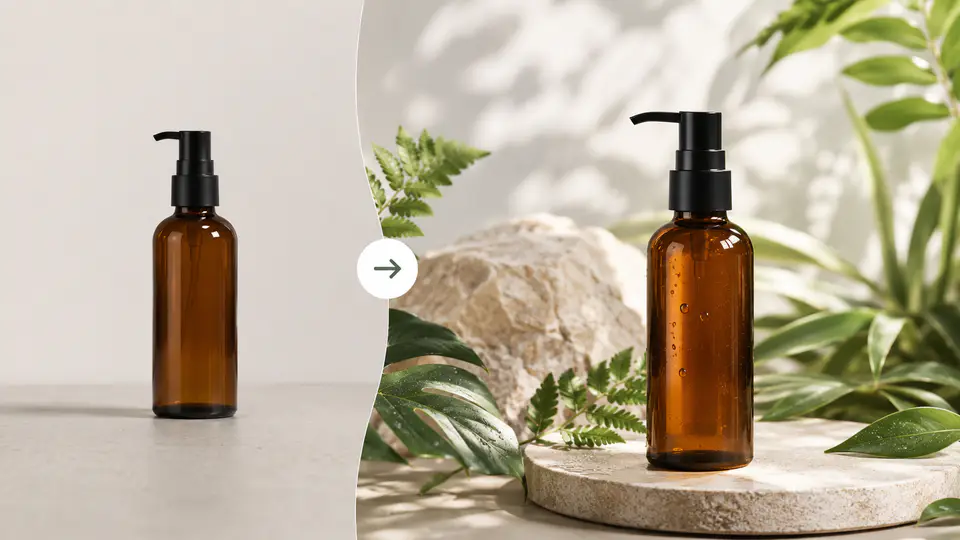
Build polished ecommerce and campaign visuals without arranging a new physical shoot for every creative direction.
Use your uploaded product as the visual reference while AI rebuilds the lighting, surface, and surrounding scene. The workflow is designed to retain the silhouette, proportions, colors, and material cues shoppers rely on.

Describe a clean catalog setup, botanical spa scene, dark luxury campaign, or another art direction in plain language. Turn the same source product into distinct visual concepts for stores, ads, and launches.

Choose from square, portrait, landscape, and ultra-wide outputs or match the source image. Create compositions suited to ecommerce galleries, social posts, banners, and marketplace listings.

Fictional examples based on common ecommerce and creative workflows.
I can test a botanical scene and a clean marketplace image from the same source photo before committing to a full campaign shoot.

Maya Chen
Ecommerce Brand Manager
The wide ratio range helps me prepare art direction options for listings, banners, and social placements without rebuilding every composition by hand.

Lucas Bennett
Independent Product Photographer
I use it to explore launch concepts quickly while keeping the bottle shape and packaging details recognizable across different scenes.

Priya Nair
Skincare Founder
Move from a clear source image to a downloadable campaign visual in three focused steps.
Choose one image under 10MB where the full product, edges, materials, and important packaging details are easy to inspect.
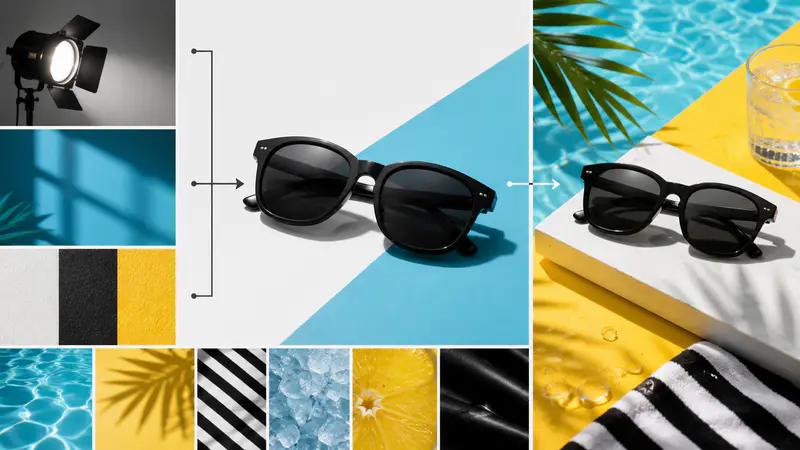
Explain the surface, lighting, background, mood, props, or campaign context, then choose the output aspect ratio you need.
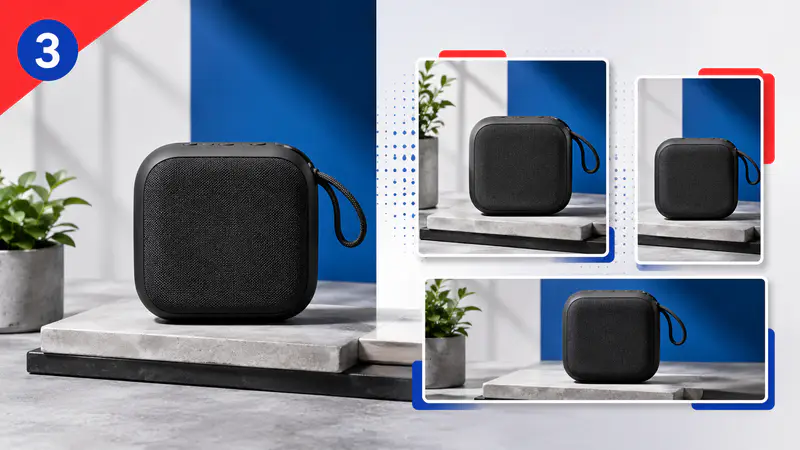
Review the result at full size, download it for your workflow, or start over with a more specific creative direction.
Can't find the answer you're looking for? Contact our support team
AI product photography creates a new commercial scene around a source product image. It can change the background, lighting, props, and composition while using the uploaded product as a visual reference.
The workflow is designed to preserve recognizable product details. Results still depend on source-image clarity, so review labels, edges, colors, and proportions before publishing.
A sharp, well-lit image with the entire product visible works best. Avoid heavy occlusion, strong motion blur, tiny subjects, or important details cropped outside the frame.
You can match the input image or choose 13 common ratios. Options include square, portrait, landscape, and ultra-wide formats for ecommerce, social, and banner placements.
You can download the generated image for your product workflow. Confirm that the final visual accurately represents your item and follows the policies of each marketplace or advertising channel.
Keep exploring
Related Imgkits tools selected for the task you are working on.