1
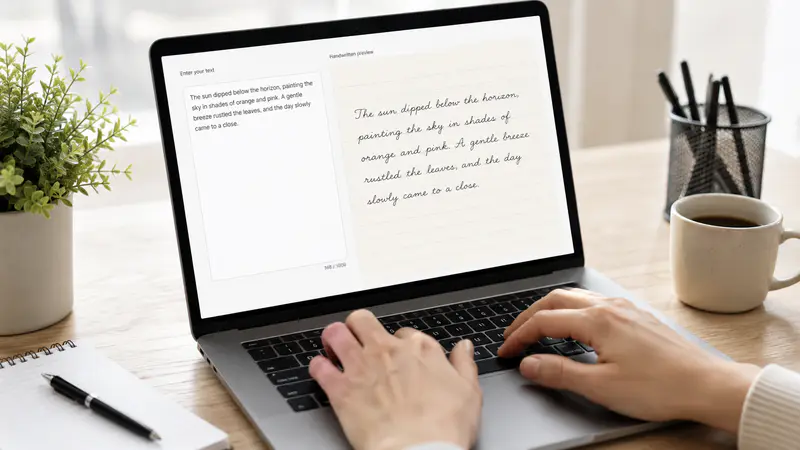
Enter the exact text
Use Notes Pages for longer content or Classic Image for a short phrase that needs a more photographic look.
Transform typed text into natural handwritten pages with selectable penmanship, paper styles, ink colors, and layouts.
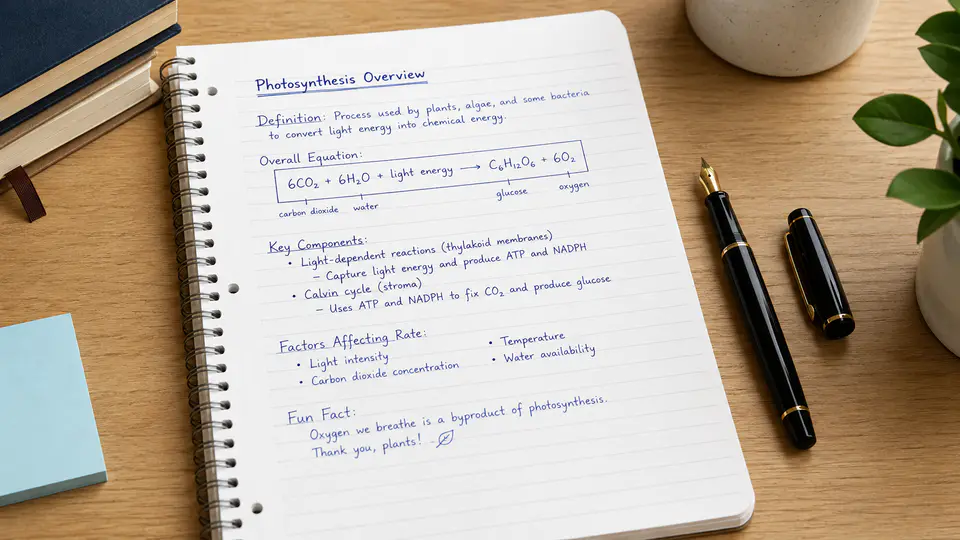
Build one short note or a complete multi-page document without writing every line by hand.
Preview distinct penmanship before generating, from relaxed classroom notes to compact print and expressive script.

Use ruled, dotted, grid, legal, Cornell, notebook, vintage, or custom paper to fit study notes, letters, and creative layouts.

The notes mode wraps longer text into consistent downloadable pages while keeping the selected handwriting and paper treatment.

Creators and students use different combinations of handwriting, paper, and ink to move faster.
I can turn a clean outline into handwritten revision pages without copying the same paragraphs by hand.

Elena Marquez
Graduate Student
The visual handwriting previews make it easy to choose a style that fits a personal letter or invitation concept.

Darius Cole
Event Designer
I use the classic mode for short quote graphics and the pages mode when a project needs several consistent sheets.

Priya Nair
Content Creator
Create a polished handwritten result in three focused steps.
Use Notes Pages for longer content or Classic Image for a short phrase that needs a more photographic look.
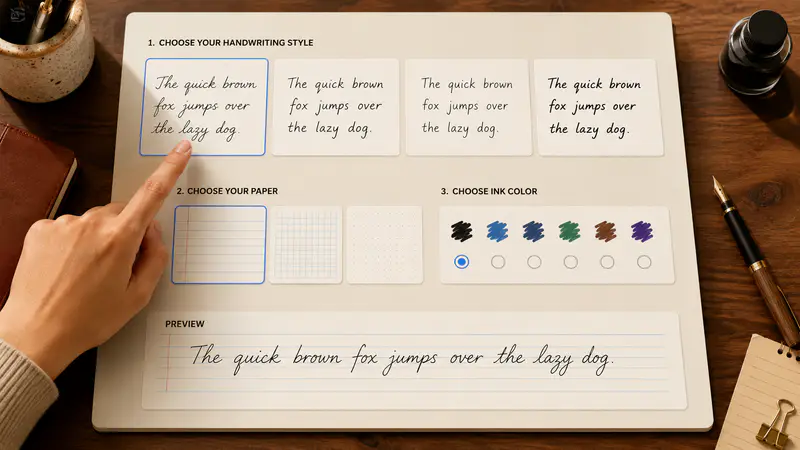
Preview the available penmanship, paper, ink, and aspect ratio before you generate.
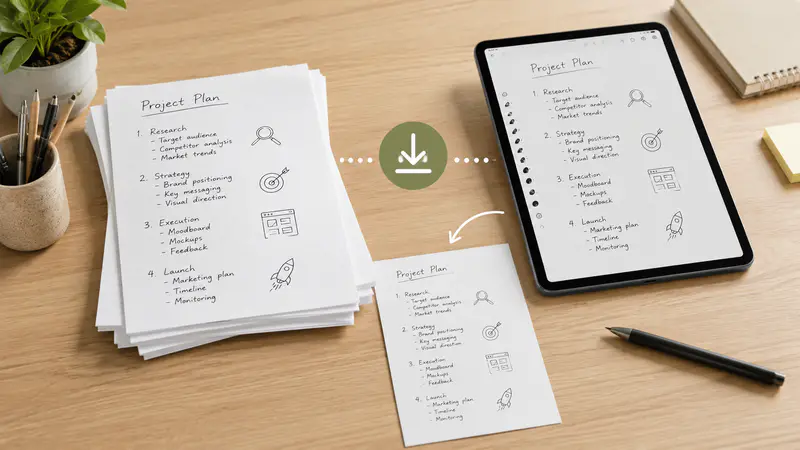
Review each finished page, open it full size, and download one page or the complete set.
Can't find the answer you're looking for? Contact our support team
It turns typed text into an image that looks handwritten. You can choose a handwriting style, paper, ink color, and output ratio.
Yes. Notes Pages automatically wraps longer text across multiple pages while keeping the same handwriting and paper settings.
Yes. In Notes Pages, open the custom paper option and upload a JPG or PNG background up to 5 MB.
Notes Pages renders accurate multi-page text locally. Classic Image is designed for short phrases and uses visual reference styles for a photographic handwritten result.
Yes. Download pages individually or save the complete generated set.
Notes Pages renders in your browser. Classic Image sends the short prompt and selected references to the generation service to create the result.
Keep exploring
Related Imgkits tools selected for the task you are working on.
Convert text to emoji or explain emoji messages in natural language.
Open toolDraw or type a personalized digital signature.
Open toolCreate images from text prompts with AI.
Open toolCreate original logo concepts with AI.
Open tool