1
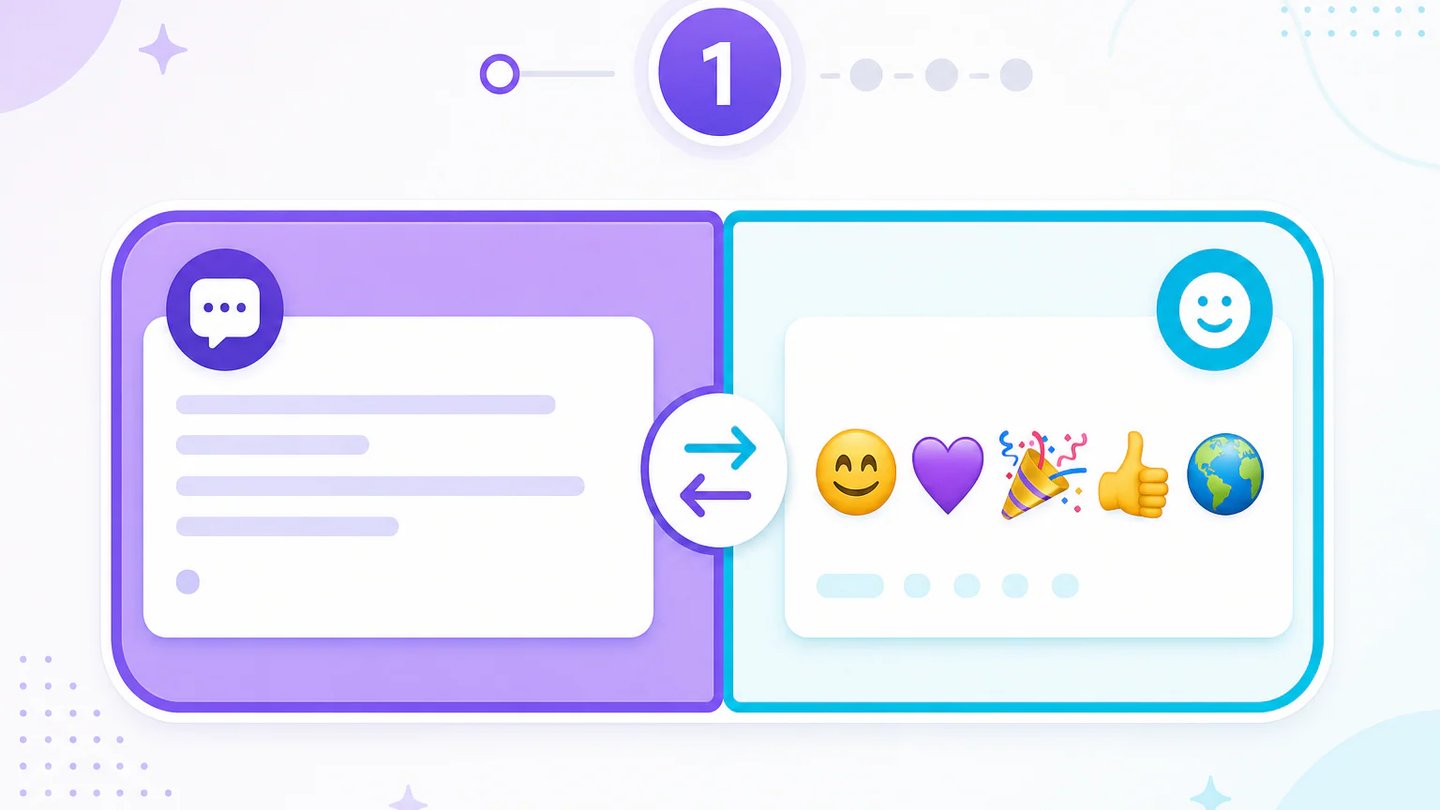
Choose a translation direction
Select Text to Emoji when you want a visual version of a message, or Emoji to Text when you want to understand a symbol sequence.
Use this emoji translator to turn words into expressive emoji combinations or decode emoji messages while preserving meaning, tone, and context.
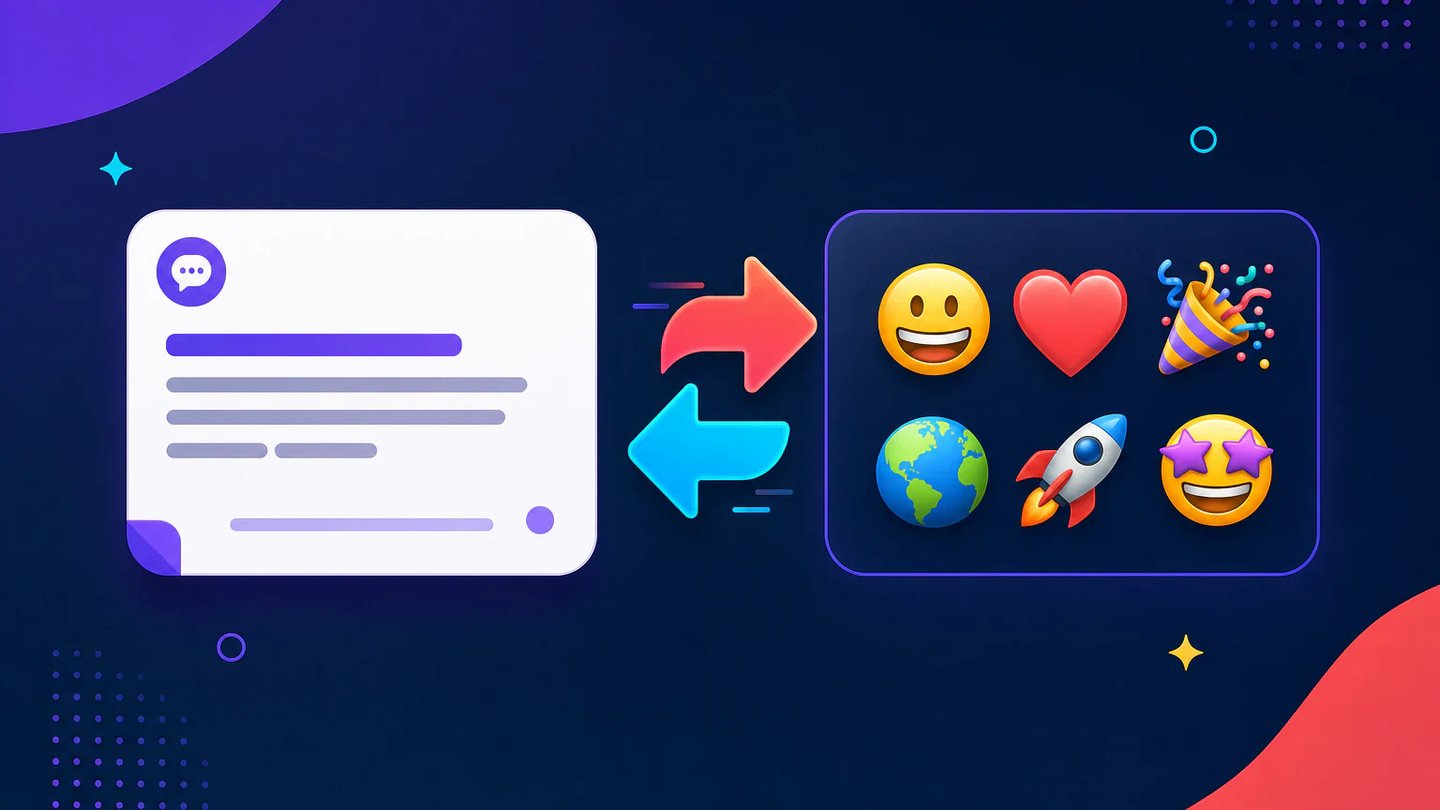
Move naturally between words and emoji without losing the central idea, emotional tone, or conversational context.
The text-to-emoji mode identifies the subject, action, emotion, and emphasis in your message, then builds a compact emoji sequence instead of replacing every word mechanically.
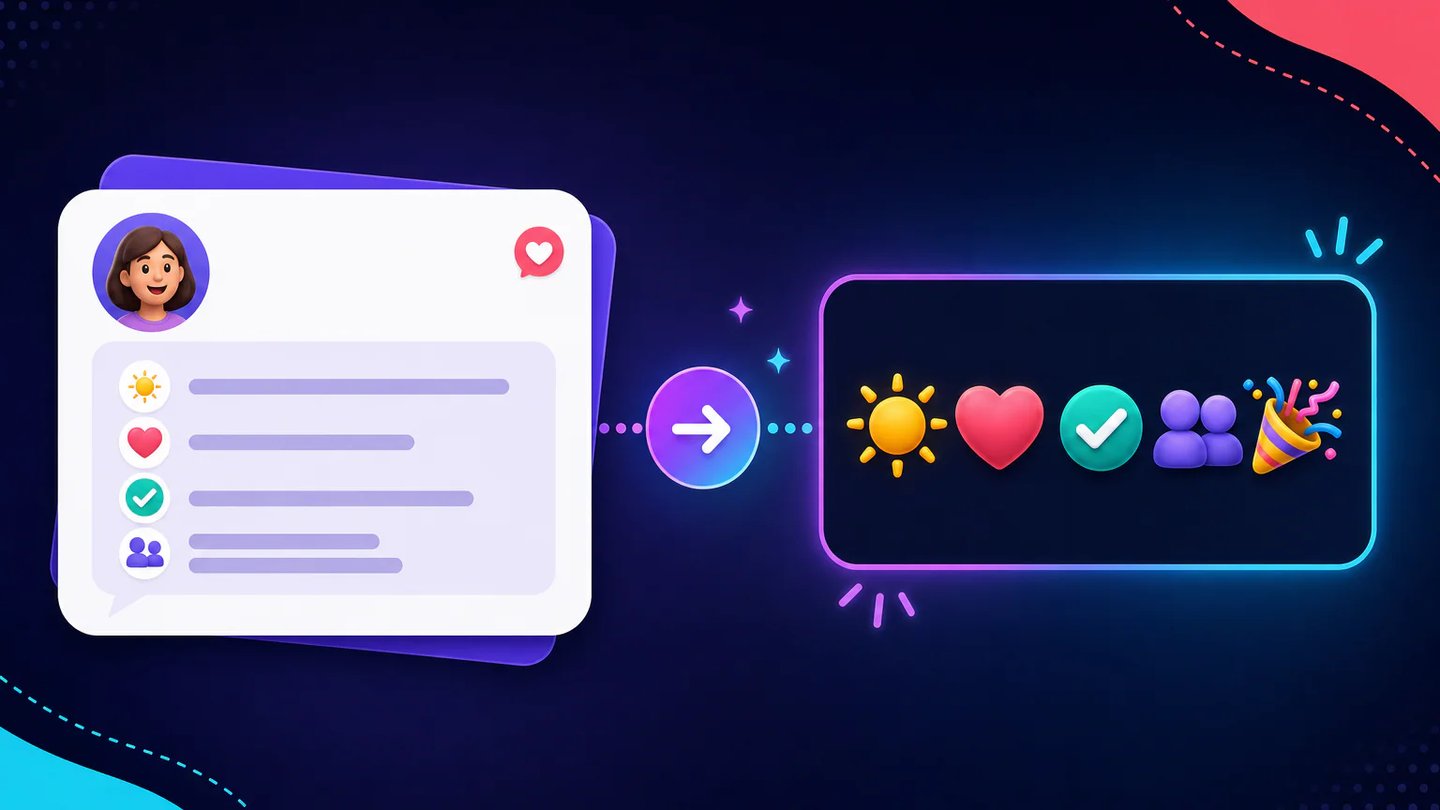
Emoji-to-text mode interprets individual Unicode symbols, grouped emoji, and common conversational patterns to produce a readable explanation that fits the whole message.

Choose a target language when decoding emoji, or let the translator follow the language of your original text when creating a new emoji message.
Fictional examples based on common messaging, social, and community workflows.
I use it to turn short campaign lines into emoji options that feel intentional instead of looking like random decorations.

Maya Chen
Social Content Planner
When a community reply is mostly symbols, the plain-language interpretation gives me a sensible starting point before I respond.

Jon Bell
Community Moderator
The direction switch makes it quick to compare what an emoji phrase may mean and how I might express the same idea visually.

Sofia Reyes
Digital Communications Tutor
Translate a short message in three direct steps, then copy the result into your conversation or creative workflow.
Select Text to Emoji when you want a visual version of a message, or Emoji to Text when you want to understand a symbol sequence.
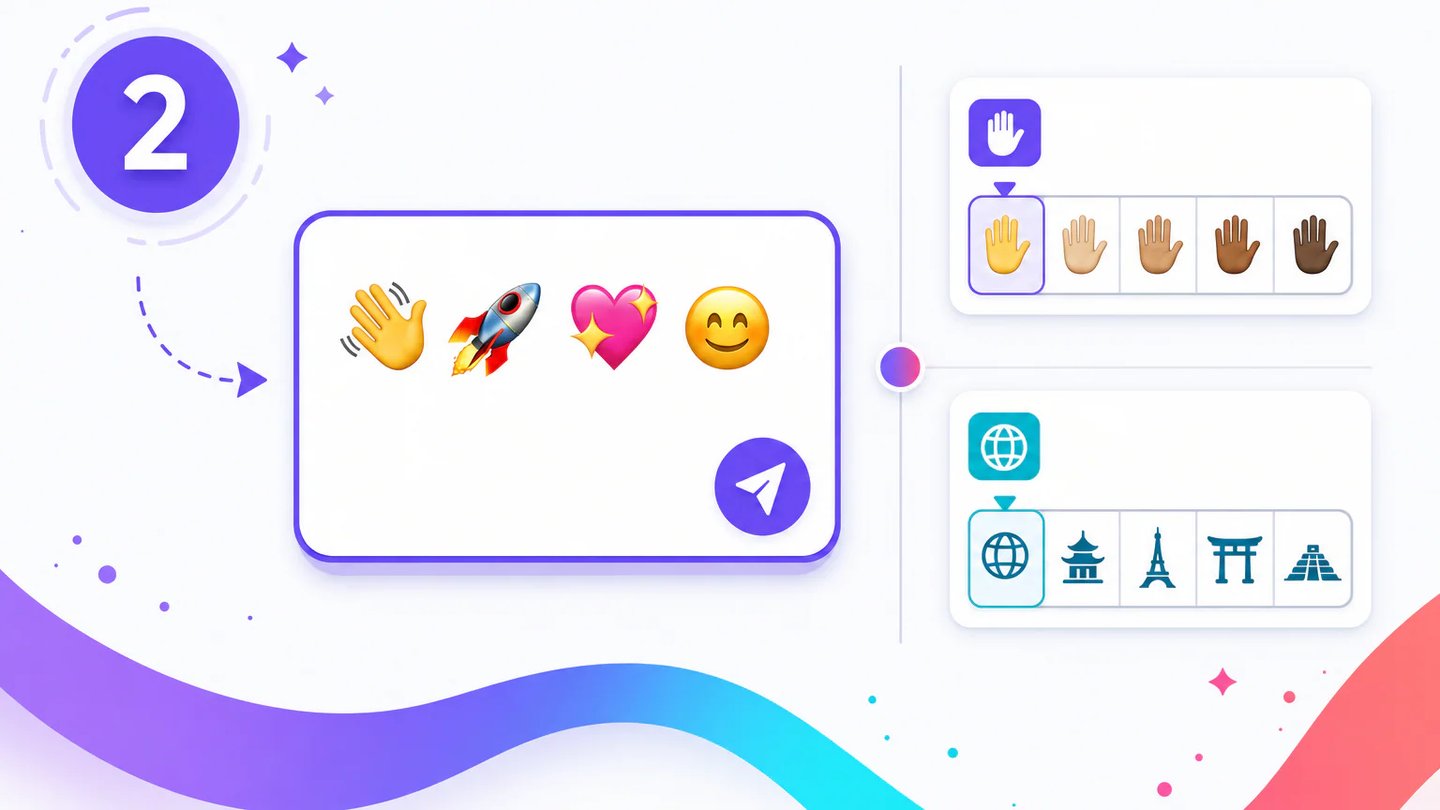
Enter up to 200 characters. Choose a skin tone for people emoji or select the language you want for a decoded explanation.
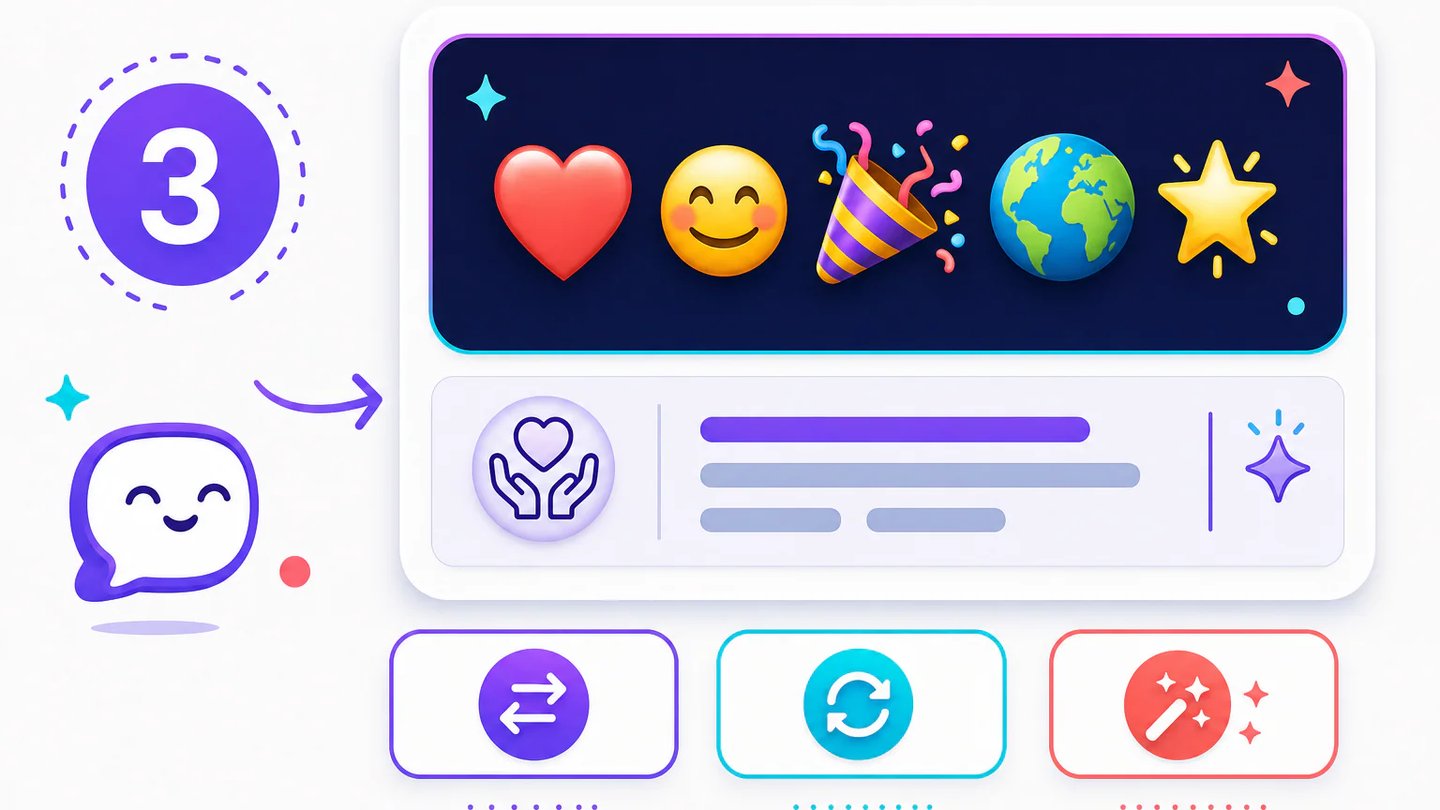
Generate one result, read the optional meaning note, copy the translation, or swap direction to explore the message from the other side.
Can't find the answer you're looking for? Contact our support team
An emoji translator converts text into emoji or explains emoji in natural language. It considers the message as a whole rather than treating every symbol in isolation.
It aims to preserve the central meaning and tone, but emoji can be ambiguous. Review the result before using it in sensitive, formal, or high-stakes communication.
Yes, you can enter a short sentence up to 200 characters. Concise messages with a clear subject and emotion usually produce the most readable emoji combinations.
Yes, grouped emoji are interpreted as one message when possible. The result may include a plain-language translation and a short note about context or ambiguity.
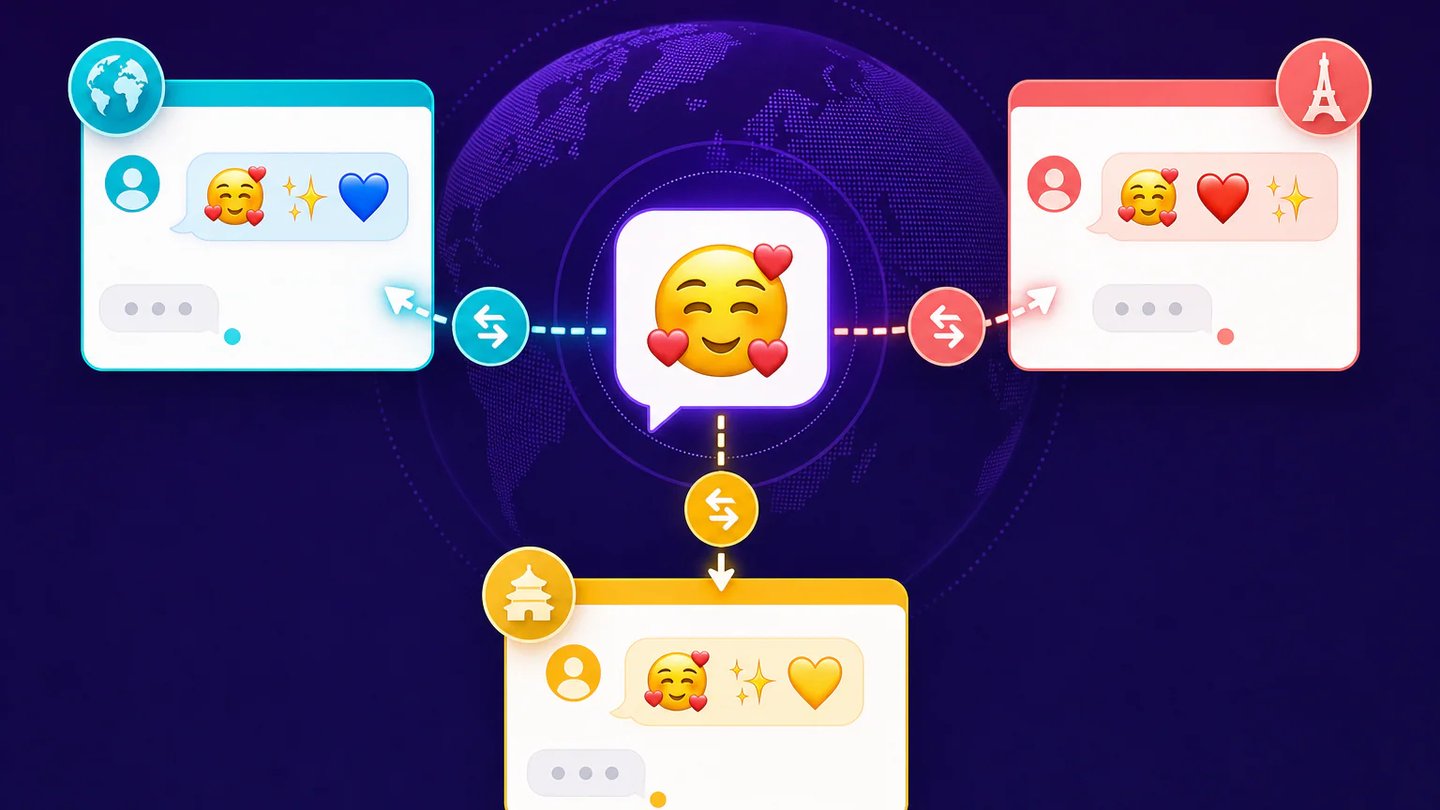
The emoji translator supports English, Chinese, Japanese, Korean, Spanish, French, German, Italian, Portuguese, Arabic, Hindi, and Indonesian. Emoji meanings can vary by community and culture, so context still matters.
Keep exploring
Related Imgkits tools selected for the task you are working on.