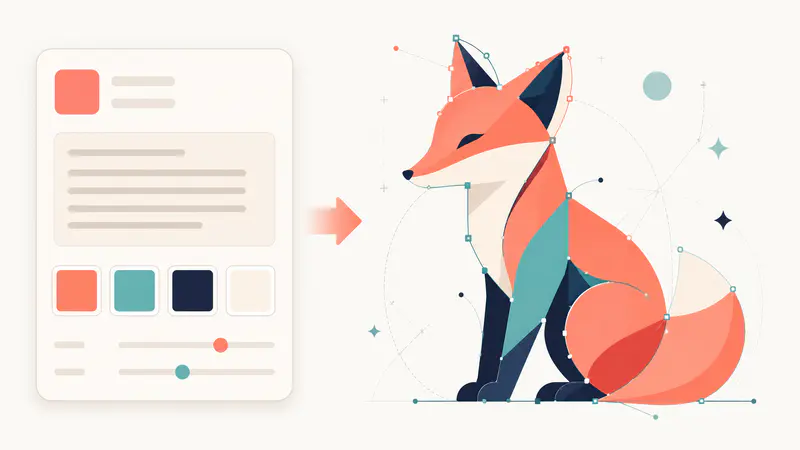
01
Describe your vector concept
Write the subject, mood, colors, and composition you want to see in the prompt field.
Describe an illustration, icon, or poster concept and shape it with a focused vector style, size, and ratio.
-
0/1200
Used when no aspect ratio is selected.
This run uses 1 credit. You have 0 remaining.
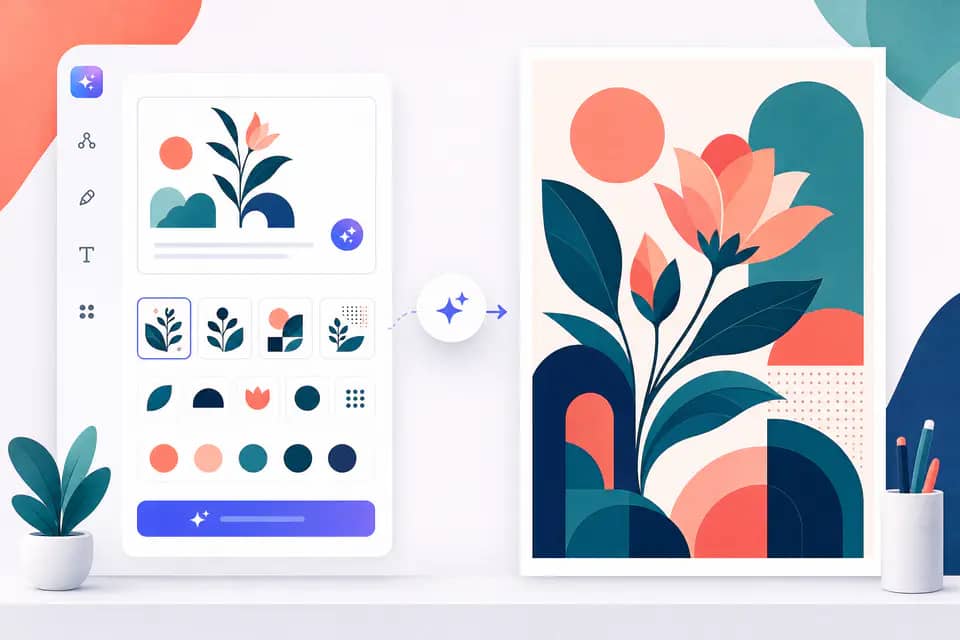
Explore a fast prompt-to-vector workflow for icons, illustrations, posters, and brand-safe visual concepts.
Select from illustration, icon, line, engraving, and playful styles to guide crisp shapes, intentional color, and a balanced composition.

Use familiar aspect ratios or an exact canvas size for social graphics, presentation art, poster layouts, and flexible design exploration.

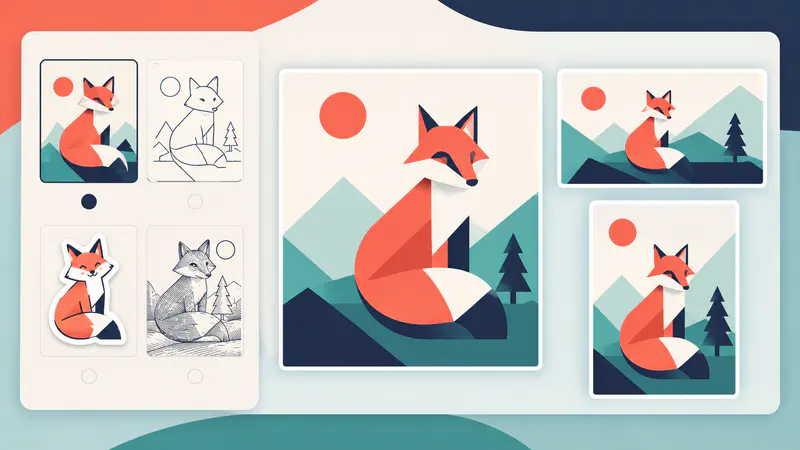
Upload a visual reference and choose a cartoon direction to explore a fresh stylized result while keeping the subject easy to recognize.

Creators use a focused prompt, a few style decisions, and a clear canvas to move from blank page to usable direction.
I can test three distinct illustration directions before opening my design file. The style controls keep the exploration focused.

Maya
Independent illustrator
The exact ratio options are useful for planning a social set. I spend less time reworking the composition at the start.

Jordan
Content designer
The reference workflow gives a rough concept a playful new direction without losing the subject I started with.

Alex
Brand concept artist
Start with a clear subject, choose a visual direction, and refine the output with the canvas you need.
01
Write the subject, mood, colors, and composition you want to see in the prompt field.
02
Pick a vector or icon style, then set an aspect ratio or exact size for your intended use.
03
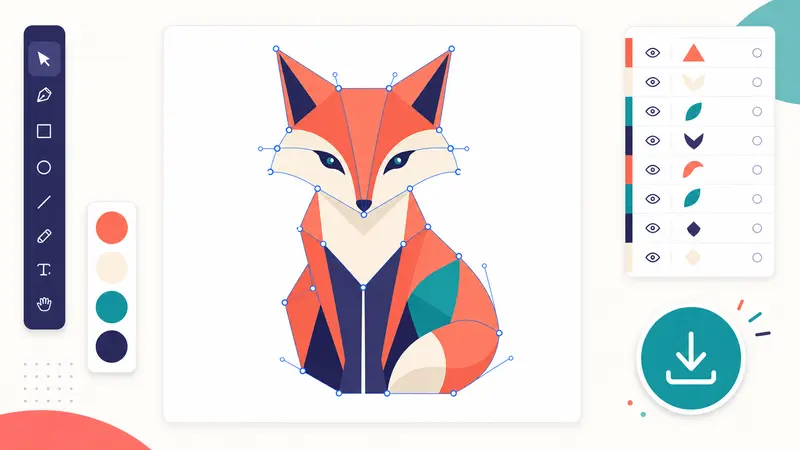
Create the artwork, inspect the preview, and download the result to continue your design workflow.
Start with a clear subject, choose a visual direction, and refine the output with the canvas you need.
Generate vector artWrite the subject, mood, colors, and composition you want to see in the prompt field.
Pick a vector or icon style, then set an aspect ratio or exact size for your intended use.
Create the artwork, inspect the preview, and download the result to continue your design workflow.
Can't find the answer you're looking for? Contact our support team
An AI Vector Generator turns a written design brief into a polished vector-style image. It helps you explore icons, illustrations, and poster concepts quickly.
Yes, you can choose vector illustration, icon, line art, engraving, and other focused styles. The generated result is delivered as an image preview for download.
Yes, choose a common ratio or select a custom canvas size. This helps you plan artwork for square, landscape, portrait, and wide layouts.
Yes, upload a reference image in the style workflow and choose a cartoon direction. Use only images you have permission to transform.
The tool is designed for vector-style artwork and concept generation, but editability can vary by result. Review the downloaded file before production use.
Keep exploring
Related Imgkits tools selected for the task you are working on.