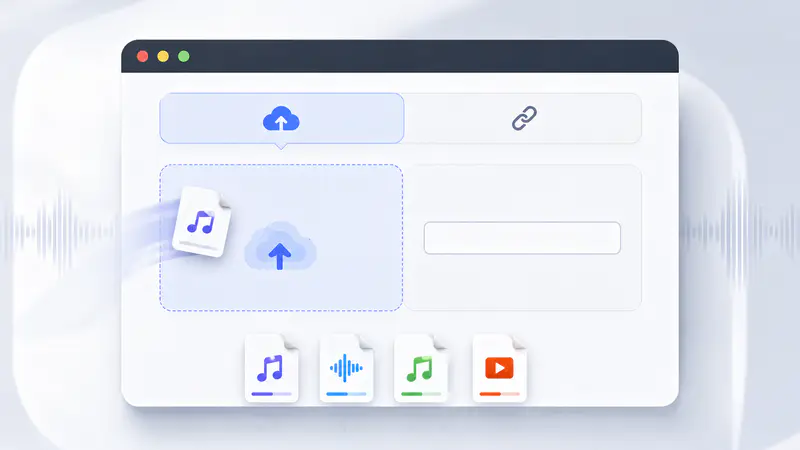
1
Add Your Audio or Video
Upload an MP3, WAV, M4A, or MP4 file under 20 MB, or switch to URL mode and paste a direct file or supported platform link.
Upload a song or paste a media link to isolate vocals and instrumental audio in one focused workflow.
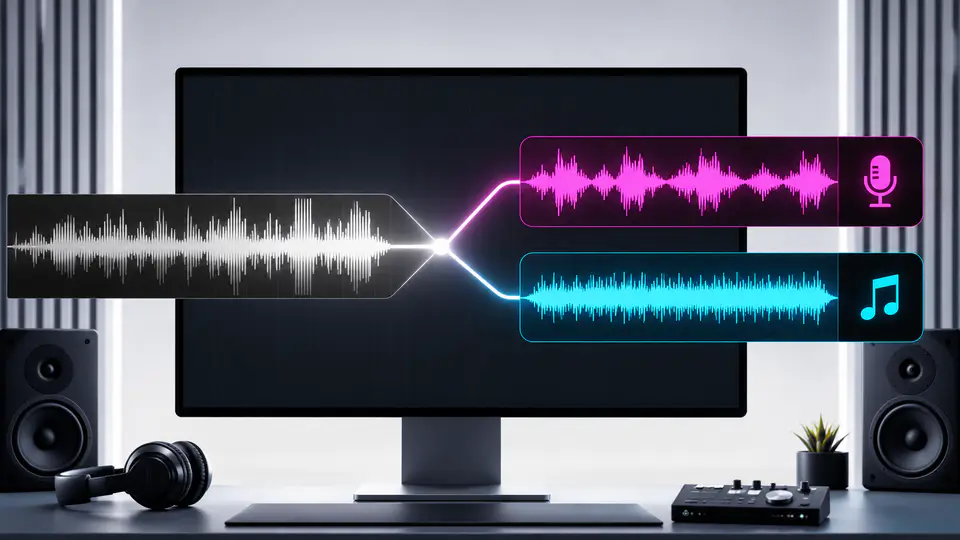
Move from one mixed song to two independent tracks you can preview, download, and use in your next edit.
Start with MP3, WAV, M4A, or MP4 media up to 20 MB. You can also paste a direct file URL or a supported social video link when the source is already online.

AI stem separation analyzes the mixed waveform and produces a vocal track plus an accompaniment track while preserving their original timing for karaoke, remixes, and editing.

Listen to both outputs before saving them. Download the isolated voice when you need dialogue or samples, or keep the accompaniment for karaoke and background music.

Independent creators use separate stems to prepare karaoke tracks, clean edits, remixes, and podcast clips.
I separated a demo into vocals and backing music before rehearsal. Having both players on one screen made it easy to check the result first.

Elena Marquez
Independent Singer
For short-form edits, I can pull the voice from a clip and keep the music as a second option without rebuilding the soundtrack.

Jonah Kim
Freelance Video Editor
The separate vocal stem helps me rescue spoken moments from music-heavy recordings, while the instrumental track remains available for transitions.

Amara Okafor
Podcast Producer
Separate a song or video into two downloadable stems in three direct steps.
Upload an MP3, WAV, M4A, or MP4 file under 20 MB, or switch to URL mode and paste a direct file or supported platform link.
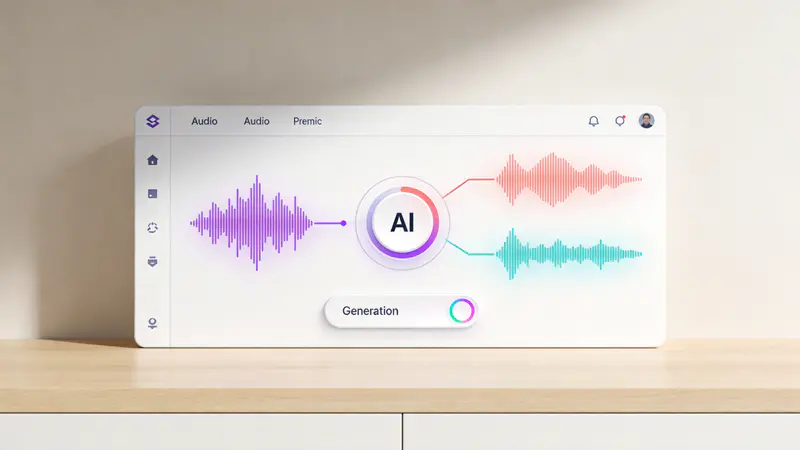
Select Separate Vocals and let the AI process the mixed audio into an isolated vocal stem and a synchronized instrumental stem.
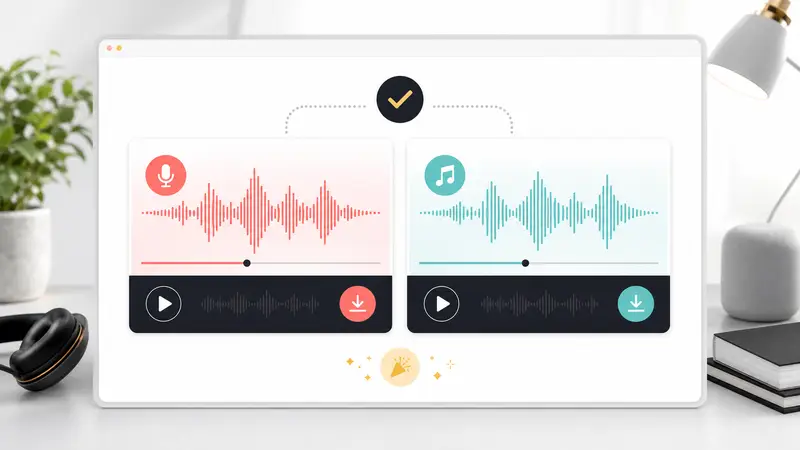
Play the vocal and instrumental results independently, then download either track for karaoke, remixing, editing, or sampling.
Can't find the answer you're looking for? Contact our support team
It creates two audio stems from one mixed track. You receive an isolated vocal track and an instrumental accompaniment track.
Results depend on the original mix. Clear stereo recordings usually separate better than compressed, live, layered, or effects-heavy audio.
You can upload MP3, WAV, M4A, and MP4 files. Each uploaded file must be 20 MB or smaller.
Yes, supported platform links can be resolved before processing. Direct URLs must point to an MP3, WAV, M4A, or MP4 file.
Yes, the accompaniment stem is designed for workflows such as karaoke practice, backing tracks, remixes, and music edits.
Yes, both result players include their own download action. Preview each stem first, then save the vocal or instrumental track independently.
Keep exploring
Related Imgkits tools selected for the task you are working on.