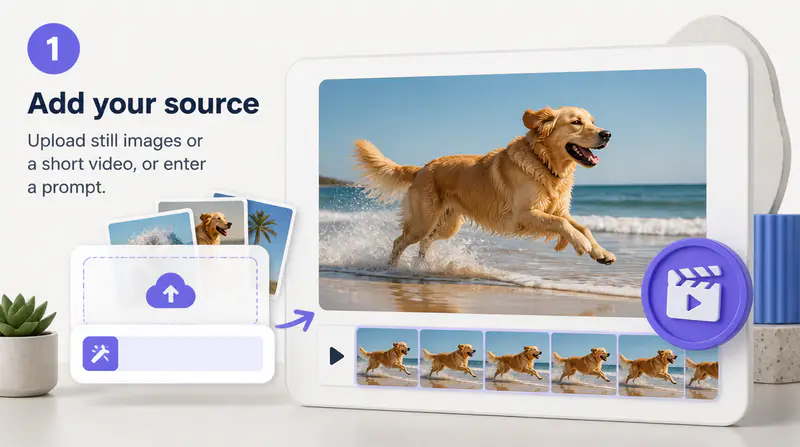
1
Describe the motion
Write what should appear and what should happen during the short scene. Specific actions and clear visual details produce a more focused direction.
Describe a short scene, add an optional visual reference, and create a five-second GIF for posts, reactions, product ideas, and creative concepts.
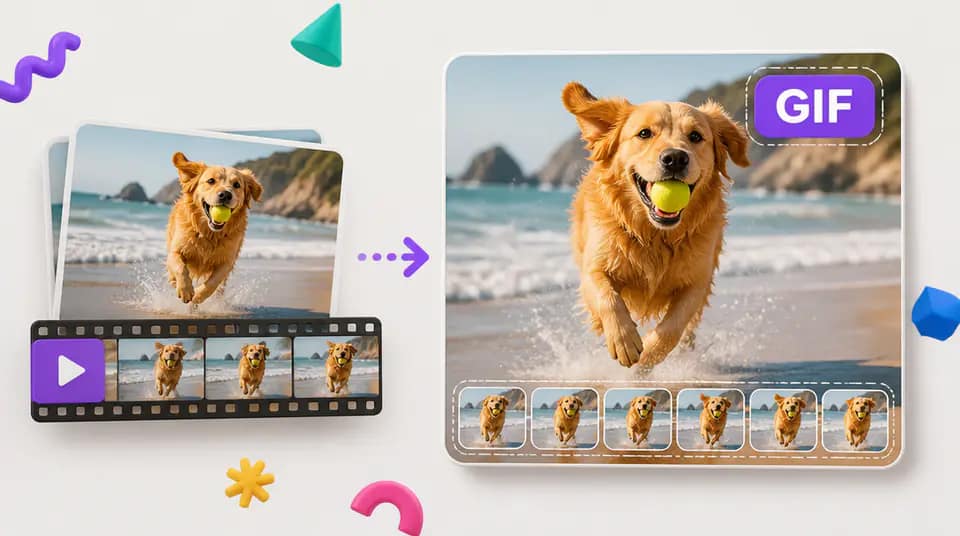
Build a short animation without preparing a timeline, keyframes, or a sequence of source frames.
Describe the subject, action, setting, mood, and camera behavior. The workflow generates a short video first, then converts that motion into a downloadable GIF.

Add an optional JPG, PNG, or WebP image when the animation should begin from a particular subject, composition, or visual direction.

Choose square, portrait, landscape, or ultrawide proportions for social posts, messages, campaign concepts, presentation moments, and product previews.

Fictional examples based on common creator, marketing, and product workflows.
I can turn a campaign idea into a moving visual before opening a full motion project. It is useful for testing tone and pacing quickly.

Jonas Reed
Motion Designer
The reference image option helps our social team keep a recognizable composition while exploring a more dynamic version.

Priya Nair
Social Content Lead
I use the square and portrait formats to sketch reaction loops and product moments before committing production time.

Mateo Ruiz
Creative Producer
Move from a short description to a downloadable animation in three steps.
Write what should appear and what should happen during the short scene. Specific actions and clear visual details produce a more focused direction.
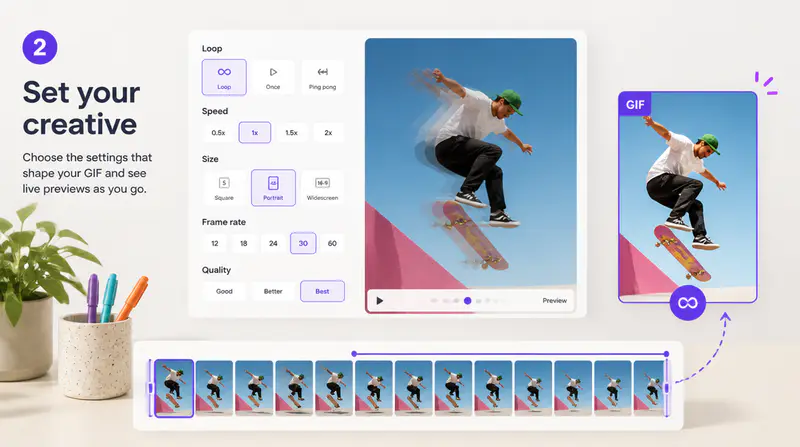
Select the canvas proportion and optionally upload an image to guide the subject or composition.
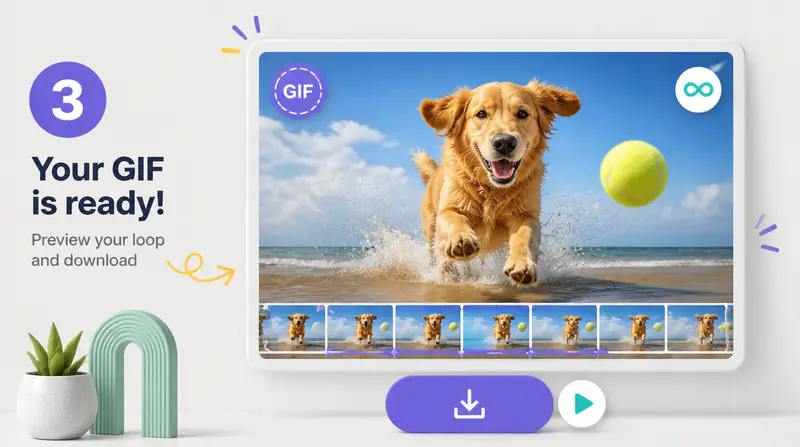
Create the five-second motion, wait for GIF conversion, inspect the result at full size, and download the finished file.
Can't find the answer you're looking for? Contact our support team
The tool first creates a five-second video from your prompt and optional reference image. It then converts the generated video into an animated GIF.
Yes. You can add one JPG, PNG, or WebP image up to 5MB to guide the subject, composition, or starting visual direction.
The active generation workflow creates a fixed five-second animation at 24 frames per second before converting it to GIF format.
You can choose 1:1, 3:4, 4:3, 16:9, or 21:9 depending on where the animated result will be used.
Yes. When generation and conversion finish, you can preview the animation and download the GIF file to your device.
Keep exploring
Related Imgkits tools selected for the task you are working on.