Stencil Maker - Convert Photos to Clean Stencils
Upload one image and generate a crisp black-and-white stencil instantly. Choose Classic, Bold, or Minimal style for Cricut crafts, tattoo planning, spray paint art, and printable templates.
0/300
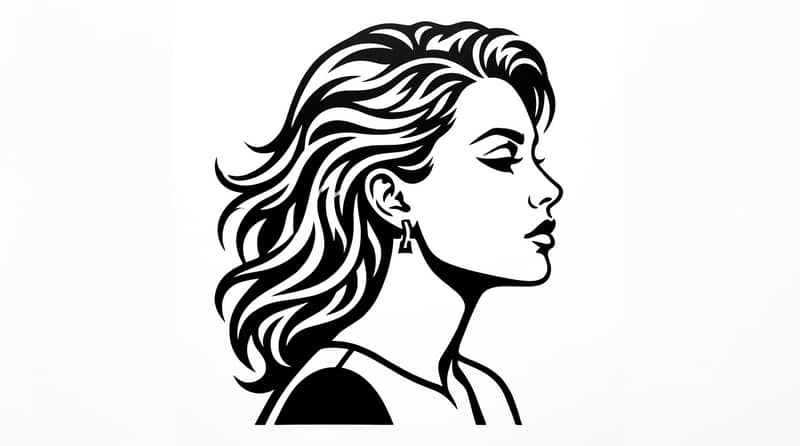
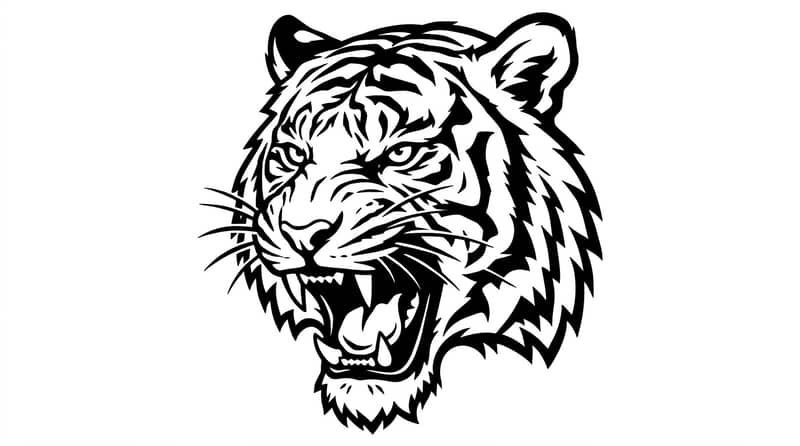
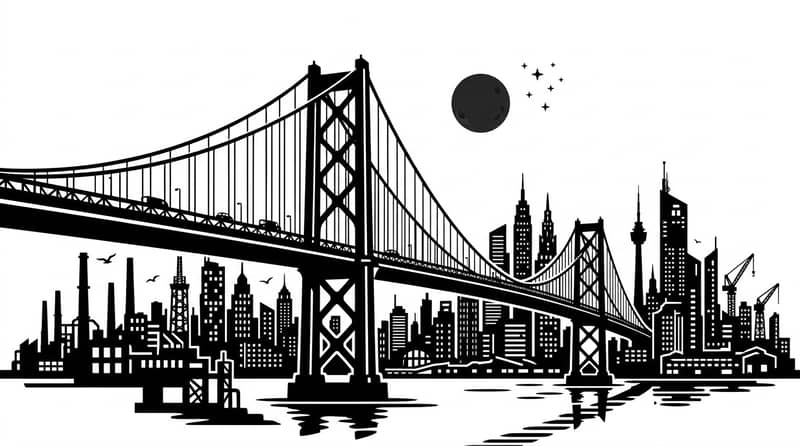
AI Stencil Maker Built for Fast Results
Create usable stencil outputs in one workflow: upload, choose style, generate, and download.
Photo to in Seconds High-Contrast Stencil
The model transforms your uploaded image into a crisp black-and-white stencil with clean edges and strong shape separation, ready for printing or cutting.

Three for Different Projects Stencil Styles
Use Classic for balanced detail, Bold for thick heavy shapes, or Minimal for simplified silhouettes. Pick the style that best fits your Cricut, tattoo, or paint workflow.

Single Upload and Instant Download Workflow
No complex editor or design software required. Upload one image, generate in the browser, preview instantly, and download your stencil file with one click.

See how users create printable stencil templates without manual tracing.
Trusted by Makers, Artists, and DIY Users
I used this stencil maker for wall art prep and got a usable cut template in under a minute. The Bold style gave me exactly the thick edges I needed.

Mia Johnson
DIY Crafter
For Cricut projects, this tool saves so much time. I upload product photos, switch styles, and download clean stencils without touching Photoshop.

Ethan Lee
Small Shop Owner
I test tattoo concepts quickly by converting references to stencil form first. Minimal mode is great when I want strong readable shape blocks.

Sofia Martinez
Tattoo Artist
Stencil Maker for Real Use Cases

Cricut & Vinyl Cutting
Generate clean high-contrast stencil art for sticker making, heat transfer vinyl, and craft plotter workflows.

Tattoo Draft Preparation
Convert portrait or object photos into readable stencil references for planning linework and shape placement.

Spray Paint & Wall Art
Create printable stencil templates for murals, signage, and custom street-art inspired craft projects.
Upload Your Image
Choose a portrait, product, pet, logo, or any subject photo with clear contrast.
Pick Style and Ratio
Select Classic, Bold, or Minimal style and choose output ratio based on your print or platform needs.
Generate and Download
Click generate, preview your stencil, and download the final black-and-white result instantly.
Stencil Maker FAQs
Can't find the answer you're looking for? Contact our support team
It converts a regular photo into a high-contrast black-and-white stencil image that is easier to print, cut, trace, or paint.
Yes. You can try the stencil maker for free with available credits, then continue with a plan if you need more generations.
Yes. Many users generate stencil images here and then import them into Cricut workflows for vinyl or paper cutting.
Classic keeps balanced details, Bold uses thicker black masses for strong visibility, and Minimal removes more internal detail for simple silhouette-style output.
Yes. It can create simplified reference stencils from source photos, useful for early tattoo concept planning and composition checks.
Upload PNG, JPG, JPEG, or WEBP images up to 10MB.
Yes. The optional subject note lets you hint what should be emphasized, such as side profile, facial outline, or object shape.