1
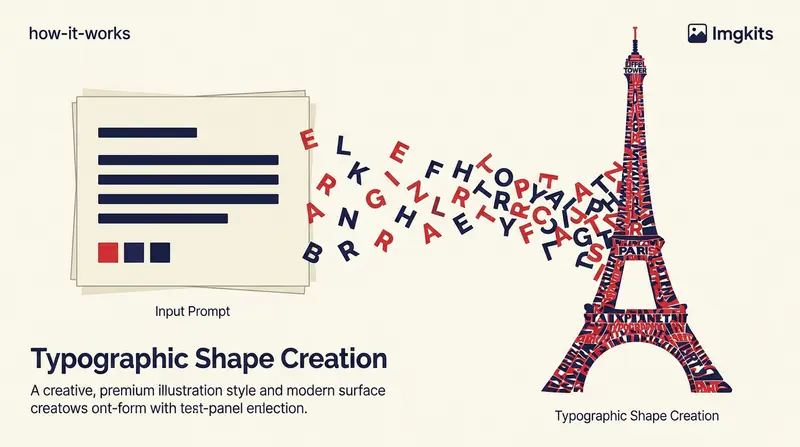
Describe the poster idea
Write the headline, subject, atmosphere, colors, and composition. Keep the display text concise so it remains clear inside the artwork.
Describe the words, subject, mood, and composition you want, then create a poster concept where text is part of the visual design.
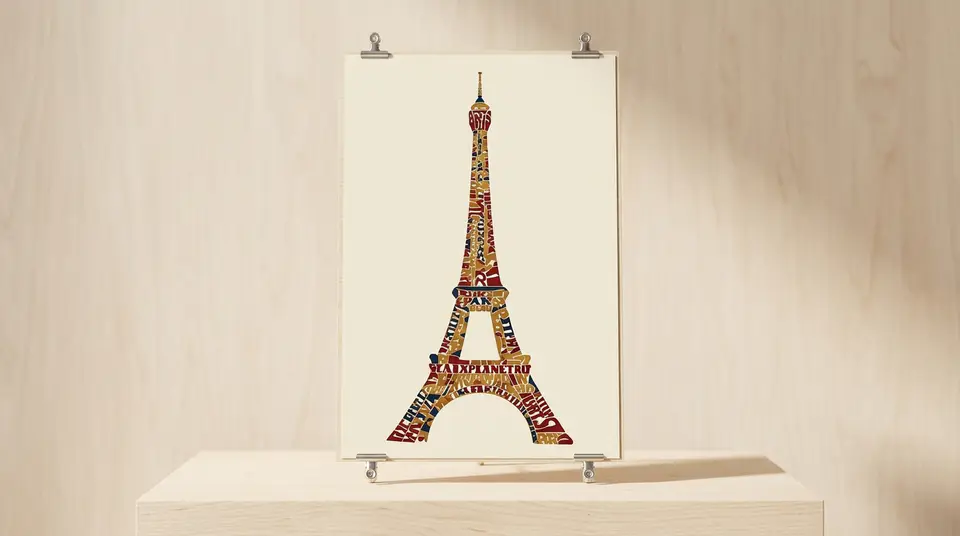
Explore poster directions without separately arranging imagery and display lettering at the concept stage.
Describe the exact headline or short phrase that should appear, along with the subject and visual mood. The poster model treats typography as part of the composition instead of an afterthought.

Prompt for a cinematic cover, editorial announcement, retro travel print, product launch, or another focused art direction. Use the examples as starting points or write a concept from scratch.

Generate square, landscape, ultra-wide, classic horizontal, or portrait posters. Choosing the canvas before generation helps the title and artwork fit the intended placement.

Fictional examples based on common campaign, event, and content workflows.
I can test a headline and visual theme together before I spend time rebuilding the strongest direction in my design file.

Darius Cole
Art Director
The ultra-wide ratio is useful for campaign banners, while the portrait option gives me a strong event-poster starting point.

Lena Park
Campaign Designer
I use the examples to explain the level of detail a prompt needs, then adapt the result for social announcements.

Clara Evans
Creative Producer
Create a typography-led poster concept in three focused steps.
Write the headline, subject, atmosphere, colors, and composition. Keep the display text concise so it remains clear inside the artwork.
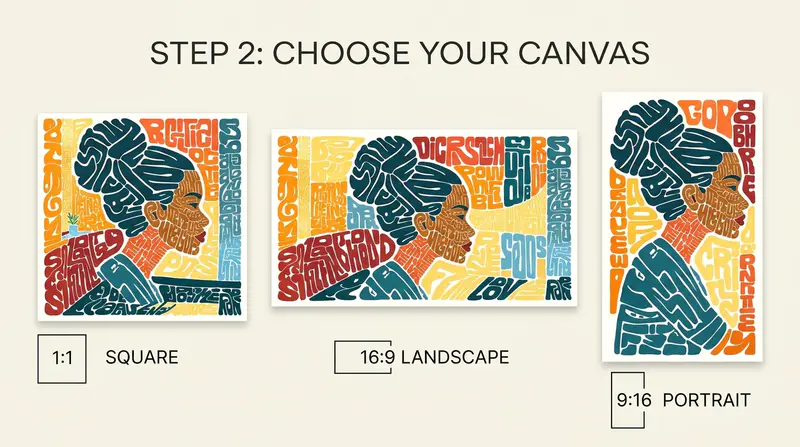
Select square, landscape, ultra-wide, classic horizontal, or portrait proportions based on where the poster will appear.
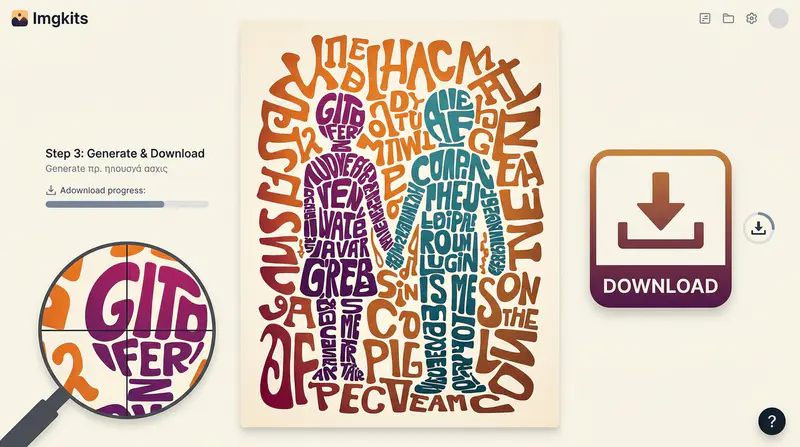
Create the poster, inspect the typography and artwork at full size, then download the result for your design workflow.
Can't find the answer you're looking for? Contact our support team
It creates poster artwork from a written brief and places display text inside the generated composition. It is designed for typography-led visual concepts rather than plain text on a background.
Include the exact short headline, the main subject, visual style, colors, mood, and composition. Clear, concise display text usually produces more readable concepts.
The generator supports 1:1, 16:9, 21:9, 3:2, and 2:3, covering square posts, banners, landscape layouts, and portrait posters.
AI image models can make lettering mistakes. Keep the text short, inspect the result carefully, and add final production typography in a design editor when exact spelling is critical.
You can download the output for your workflow. Before publishing, verify the final wording, imagery, brand rights, and usage requirements for your project and distribution channel.
Keep exploring
Related Imgkits tools selected for the task you are working on.