
1
Enter Your Text
Type the exact word, name, slogan, or phrase you want to turn into visual word art.
Turn names, slogans, quotes, and short phrases into polished word art for posters, logos, covers, thumbnails, and social posts.
-
This run uses 1 image credit(s). You have 0 remaining.

Use AI to explore typography concepts quickly, from bold poster headlines to refined logo-style lettering.
Enter a name, quote, phrase, or campaign headline and generate readable word art with rich styling.
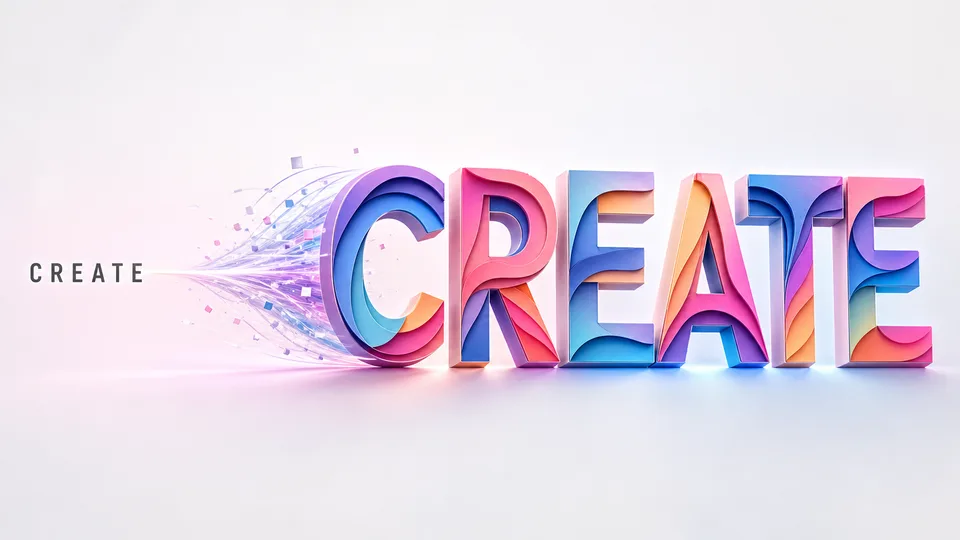
Pick Canva-tested presets such as cartoon, watercolor, mountain lake, forest, Lego, flower, marble, felt, city night, and dragon styles.
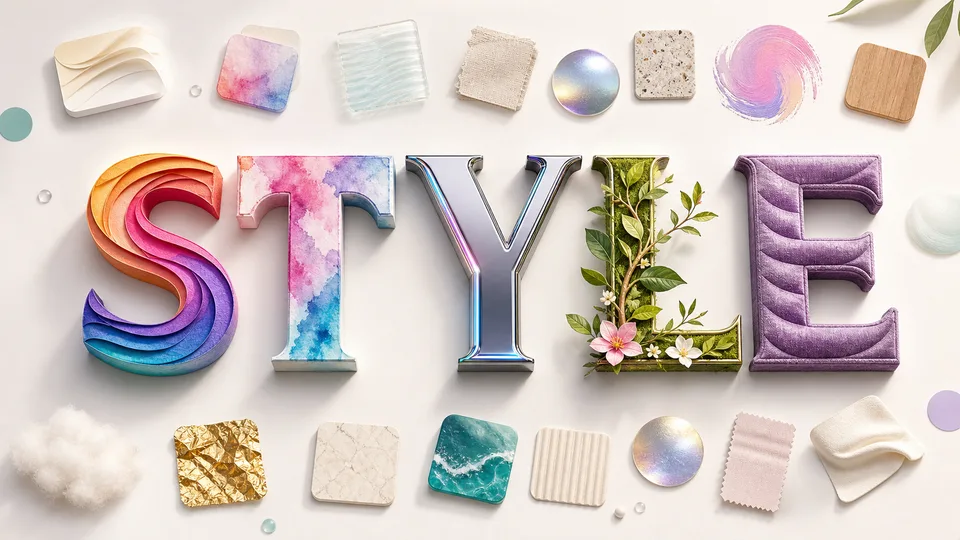
Start from Canva-tested presets or switch to a custom style prompt when you need a more specific look.
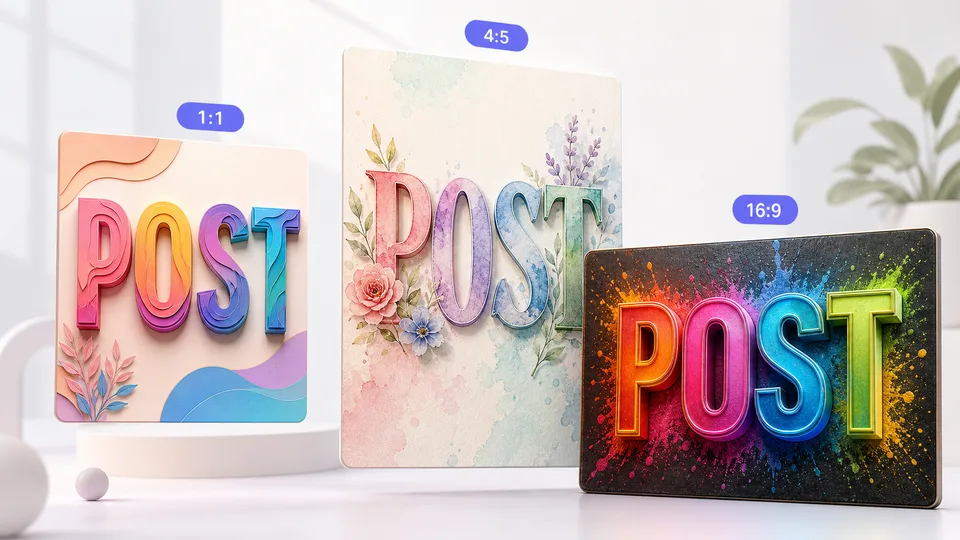
Creators use Imgkits to move from plain text to polished visual directions quickly.
I use it for campaign headlines before opening a design file. It gives me strong typography directions fast.

Ava Morgan
Social Media Manager
The logo layout is useful for early brand explorations. I can compare several word art styles in minutes.

Noah Bennett
Startup Founder
For thumbnails and event posters, the generated word art gives me a polished starting point instead of a blank canvas.

Liam Carter
Content Creator
Create custom text art in three focused steps.
Type the exact word, name, slogan, or phrase you want to turn into visual word art.

Choose preset styles or write a custom style prompt, then select the aspect ratio and number of images.

Create your AI word art, preview it in full size, then download the image for your design workflow.
Can't find the answer you're looking for? Contact our support team
Yes. You can open the tool and create word art online. Image generation may use account credits depending on your plan.
You can use short words, names, slogans, quotes, and campaign lines. Shorter text usually produces cleaner, more readable typography.
Yes, it is useful for logo concepts and brand direction. For final trademark work, refine the result and check rights before commercial use.
Yes. Switch to Custom Styles and describe the material, mood, colors, scene, or texture you want the text to use.
Preset styles include cartoon, watercolor, mountain lake, forest, sky, Lego, flower, acrylic, marble, felt, oil painting, city night, and dragon styles.
Use concise text, pick a preset style or write a specific custom style prompt, then generate a few variations for comparison.
Keep exploring
Related Imgkits tools selected for the task you are working on.