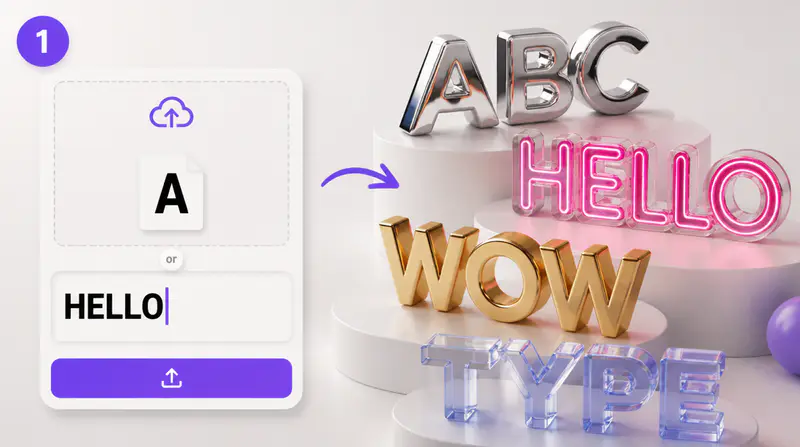
1
Enter your exact text
Type the title, phrase, or short wordmark you want rendered, using up to four lines and sixty characters.
Shape words into dimensional artwork with expressive materials, palettes, depth, spacing, icons, and transparent output.
Use up to four lines.
0/60
3D style
Color palette
This run uses 1 credit. You have 0 remaining.
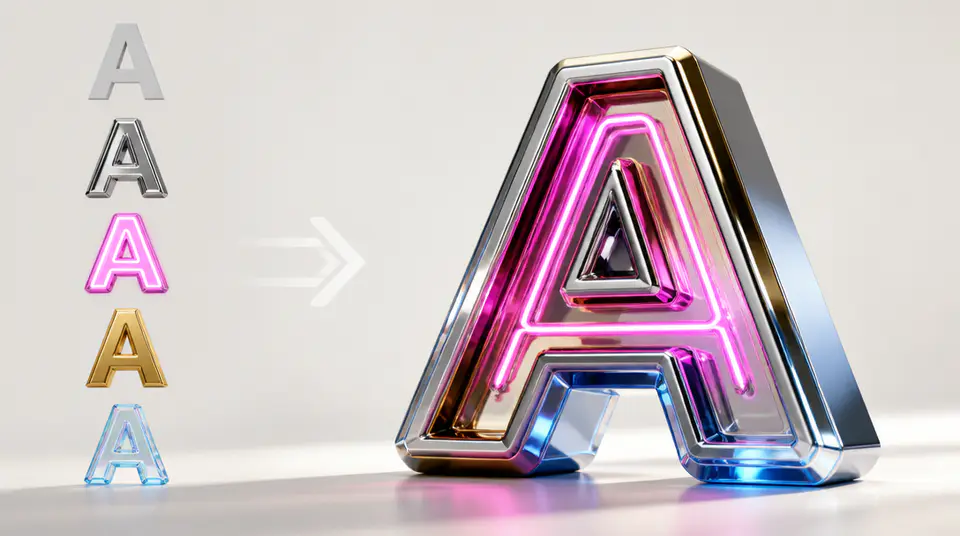
Move from plain words to presentation-ready 3D type while keeping control over material, color, and composition.
Compare chrome, gold, neon, fire, holographic, bubbly, glitch, pixel, furry, and gothic treatments through visual presets.

Adjust the palette, extrusion depth, gradient strength, and letter spacing to create a more intentional typographic result.

Keep a premium dark setting or remove it for a transparent PNG that is ready for posters, thumbnails, and design layouts.

Creators use Imgkits to test dimensional type directions before committing to a full design workflow.
The visual styles make it easy to compare premium title treatments for campaign graphics without rebuilding every material by hand.

Ava Morgan
Brand Designer
I can set the icon, spacing, and depth in one place, then export a result that already feels composed for a thumbnail.

Tomas Vela
Content Art Director
Transparent output is especially useful when I need dimensional lettering that can move between several poster layouts.

Priya Nair
Social Media Designer
Build a polished dimensional wordmark in three focused steps.
Type the title, phrase, or short wordmark you want rendered, using up to four lines and sixty characters.
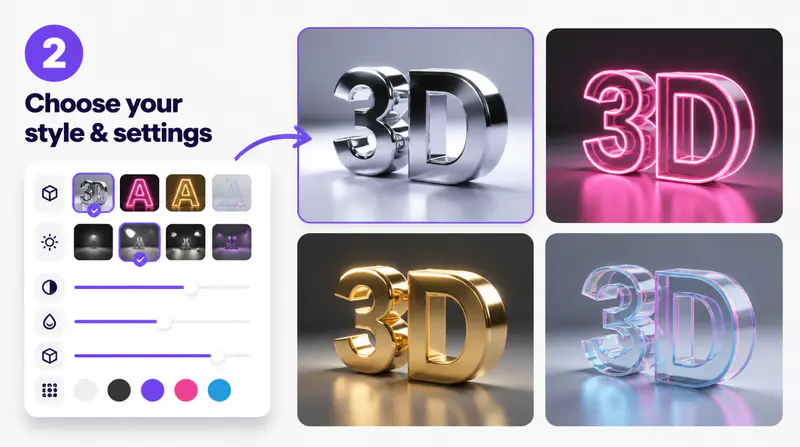
Pick a visual style and palette, then set depth, gradient, spacing, background, and optional icon placement.
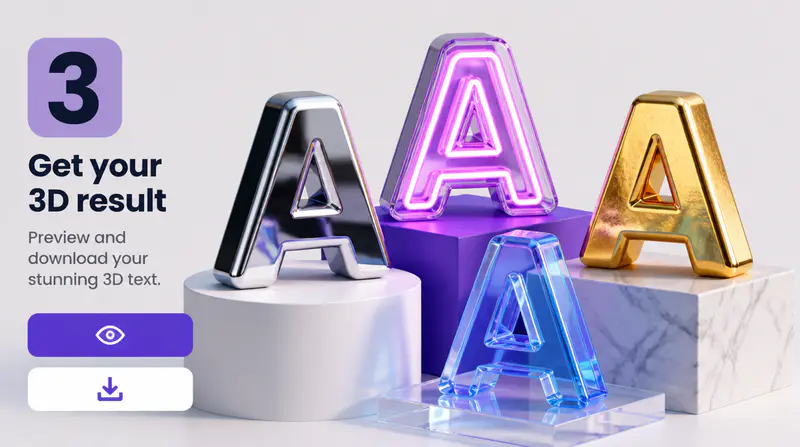
Create the artwork, open the full-size preview, and download the finished image for your next design.
Can't find the answer you're looking for? Contact our support team
You can create dimensional titles, logo-style wordmarks, poster headlines, thumbnail lettering, event graphics, and decorative text assets.
The generator includes chrome, gold, neon, fire, holographic, bubbly, glitch, pixel, furry, and gothic visual directions.
Yes. Select transparent output to generate the artwork and remove its background for a PNG that can be layered into other designs.
Yes. Choose from twelve decorative icons and place the accent above, beside, or around the lettering.
Each completed generation uses 1 Imgkits credit, including transparent output when selected.
Keep exploring
Related Imgkits tools selected for the task you are working on.