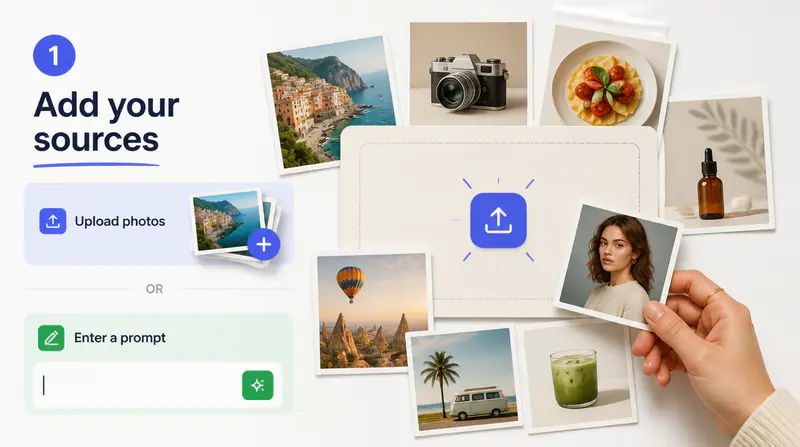
1
Upload your photo set
Choose between 2 and 10 JPG, PNG, or WebP images. Clear photos with useful visual variety give AI more material for the final composition.
Upload 2 to 10 photos, choose Original, Custom, or Templates, and create a polished collage with optional photo enhancement.
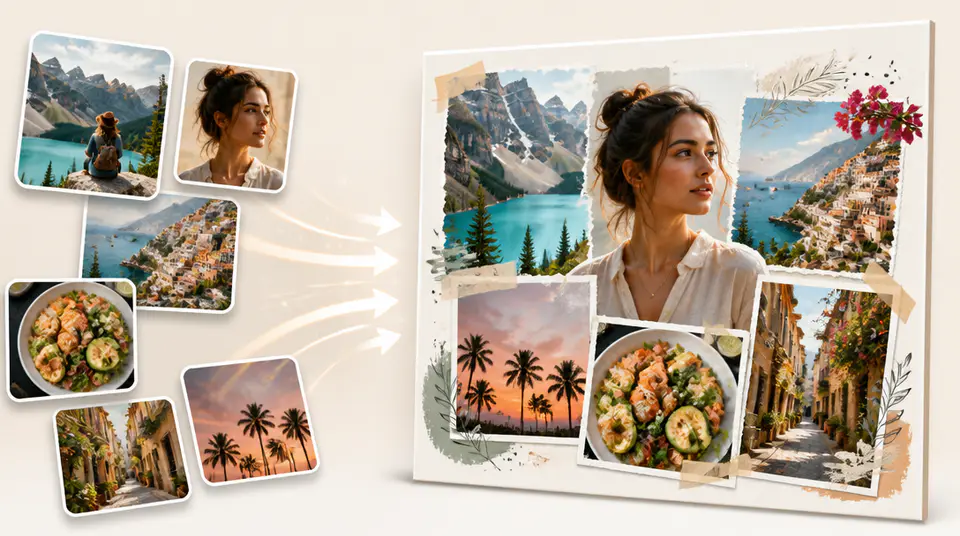
Build a cohesive visual from multiple images without manually cropping, layering, and balancing every element.
Mix portraits, product shots, travel photos, event moments, or visual references in one generation. AI interprets the full set and creates a single composition rather than a rigid tile grid.

Start with the original composition, pick one of six visual templates, or describe a custom direction. Each mode can enhance lighting and color without intentionally reshaping people.

Generate square, landscape, or portrait collages for social posts, mood boards, campaign concepts, event recaps, and digital keepsakes.

Fictional examples based on common creative and marketing workflows.
I can turn a folder of campaign references into one clear mood board without spending the first hour arranging every crop.

Elena Marquez
Creative Producer
The portrait ratio is useful for combining event photos into a single social story that already feels composed.

Mateo Ruiz
Social Content Editor
I use it to explore how several product images might work together before building the final campaign layout.

Nia Okafor
Brand Designer
Move from a group of source images to a downloadable collage in three focused steps.
Choose between 2 and 10 JPG, PNG, or WebP images. Clear photos with useful visual variety give AI more material for the final composition.
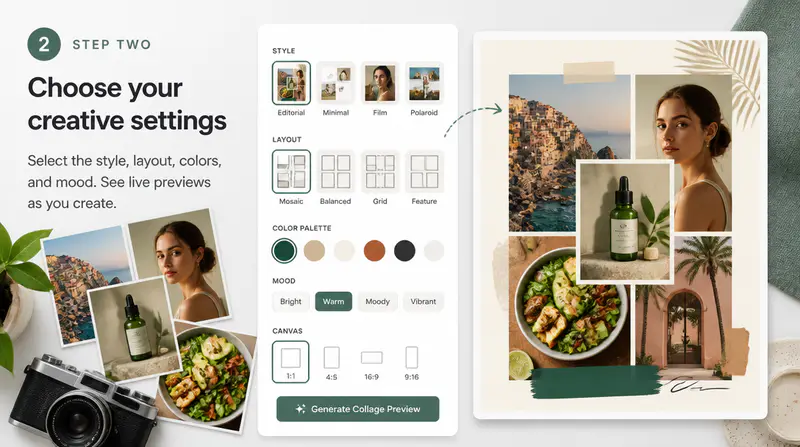
Use Original, select a visual template, or describe a custom style, then choose square, landscape, or portrait output.
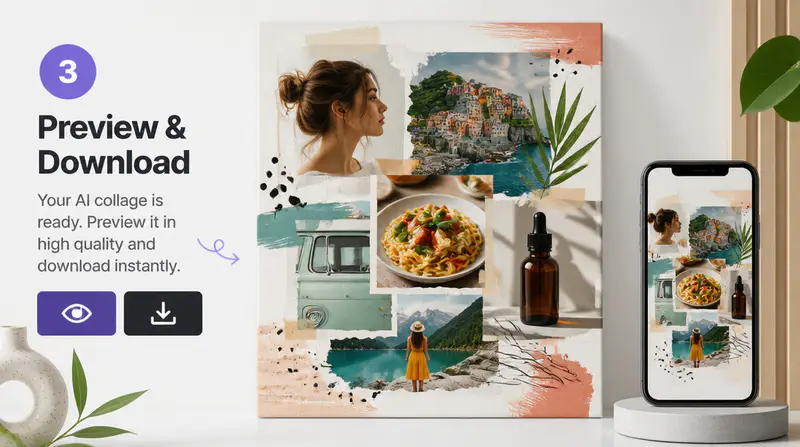
Create the collage, inspect the composition at full size, and download the finished image for your design workflow.
Can't find the answer you're looking for? Contact our support team
An AI collage maker combines multiple source photos into one generated composition. It can interpret the images together and create a more integrated result than a fixed grid template.
You can upload between 2 and 10 photos for each collage. The files can be JPG, PNG, or WebP and must be no larger than 10MB each.
You can create a square 1:1 collage, a 3:2 landscape collage, or a 2:3 portrait collage.
The source images guide the generated composition, but AI may reinterpret small details, edges, or backgrounds. Review the result carefully when exact identity or product details matter.
AI collages work well for social posts, event recaps, campaign concepts, visual journals, mood boards, product stories, and personal keepsakes.
Keep exploring
Related Imgkits tools selected for the task you are working on.