AI Image Combiner
Upload 2–5 visual references and generate a new composition that blends their main subjects, objects, or scenes.
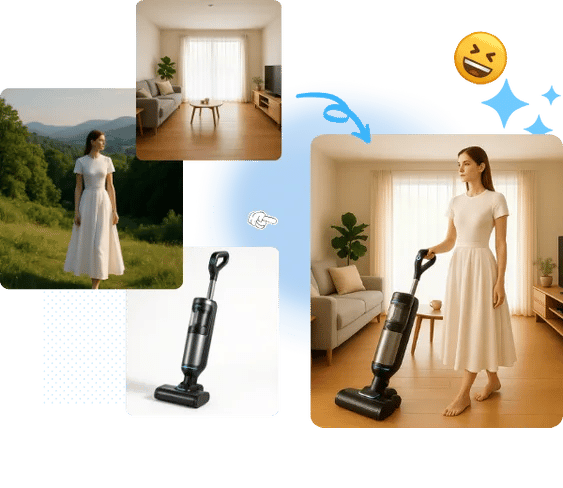
Upload 2–5 visual references
Generate the combined image
JPG, PNG, or WebP · 2–5 uploads · up to 5 MB each
How to Combine Images with AI
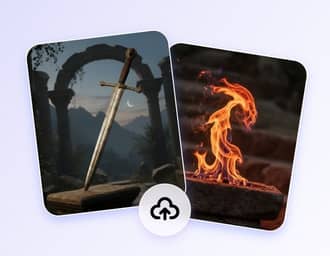
Upload 2–5 photos
Choose clear photos containing the people, products, objects, or scenes you want the AI to blend.

Start the AI Blend
Select Merge Images and let the model create a new composition from the uploaded references.
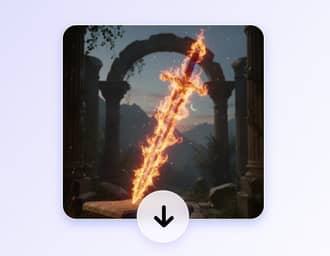
Review and Download
Inspect the generated JPG, download it, or start again with a different set of images.
Create a New Image from Photo Elements
Imgkits uses generative AI to fuse subjects and visual ideas from 2–5 references. It is designed for creative blending rather than side-by-side collages or simple photo stitching.
AI Fusion, Not Basic Photo Stitching
The tool interprets the main subjects, objects, and scenes in your uploads and generates a unified composition. Use it to explore product concepts, character combinations, campaign ideas, or other visual directions that depend on multiple references.
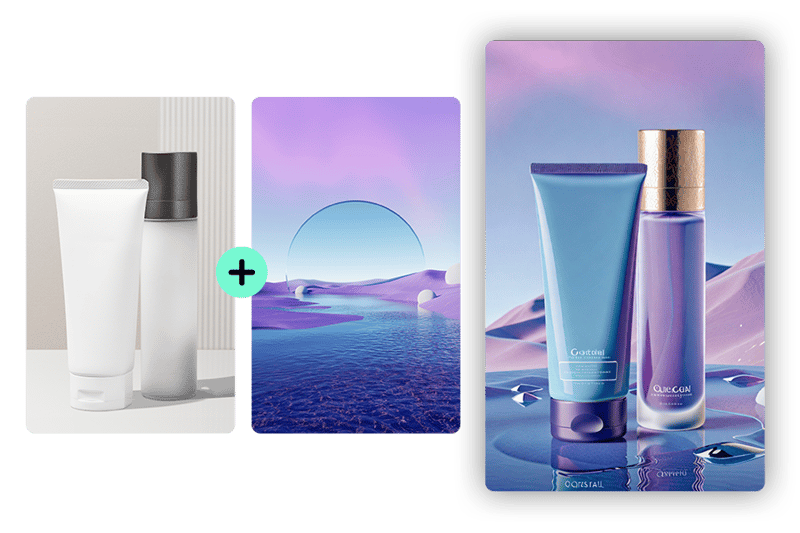
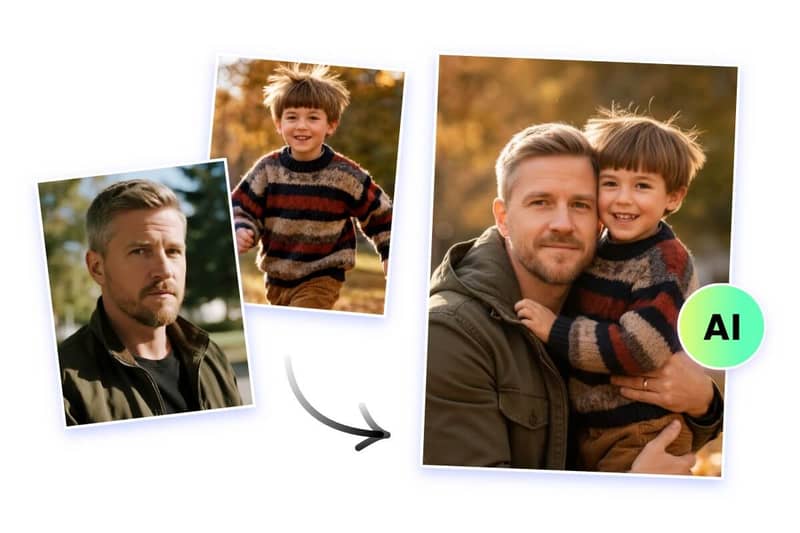
A focused workflow for 2–5 references
Upload between two and five JPG, PNG, or WebP images, start the merge, and review the generated JPG result. Clear, well-lit references with distinct subjects usually give the model more useful visual information.
AI Image Combiner FAQ
Can't find the answer you're looking for? Contact our support team
What does the Imgkits AI image combiner do?
It generates a new image using visual information from 2–5 uploaded references. The result is an AI-created fusion, not a simple side-by-side layout.
Is this the same as a collage maker or photo stitcher?
No. A collage maker keeps the original images in a layout, while this tool uses generative AI to blend selected subjects and ideas into a new composition.
How many images can I combine at once?
You can upload 2–5 photos for each generation. Each file can be up to 5 MB.
Which image formats are supported?
The upload form accepts JPG, PNG, and WebP images. The generated result is provided as a JPG.
How can I get a more coherent result?
Use clear references with visible subjects and avoid uploading several nearly identical or heavily obstructed images. Because the result is generated by AI, details can vary between runs.
Do I need an account to combine images?
Yes. You need to sign in before generating. New accounts can use available trial credits, and additional usage depends on the credits or plan shown in your account.
Blend 2–5 photos into an AI Composition
Upload your references and generate a new image that combines their subjects, objects, or visual ideas.