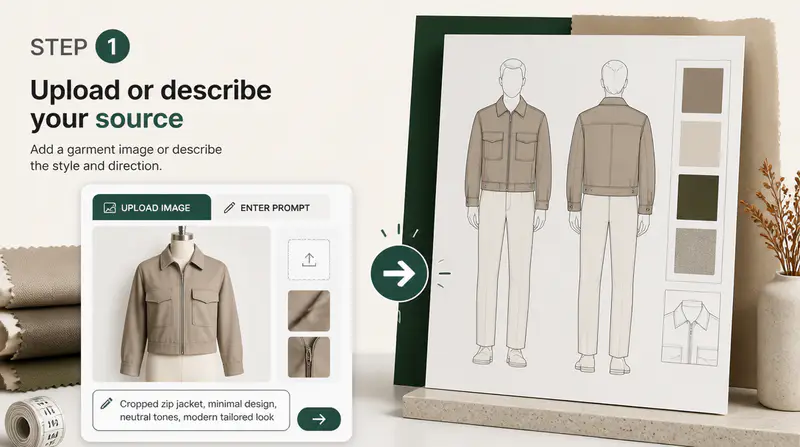
1
Choose garment and style
Select the apparel category and visual mood that best match the direction you want to explore.
Choose a garment, silhouette, style, construction details, and fabric reference to create an original apparel concept.
Garment type
Style direction
0/120
0/100
View
This run uses 1 credit. You have 0 remaining.
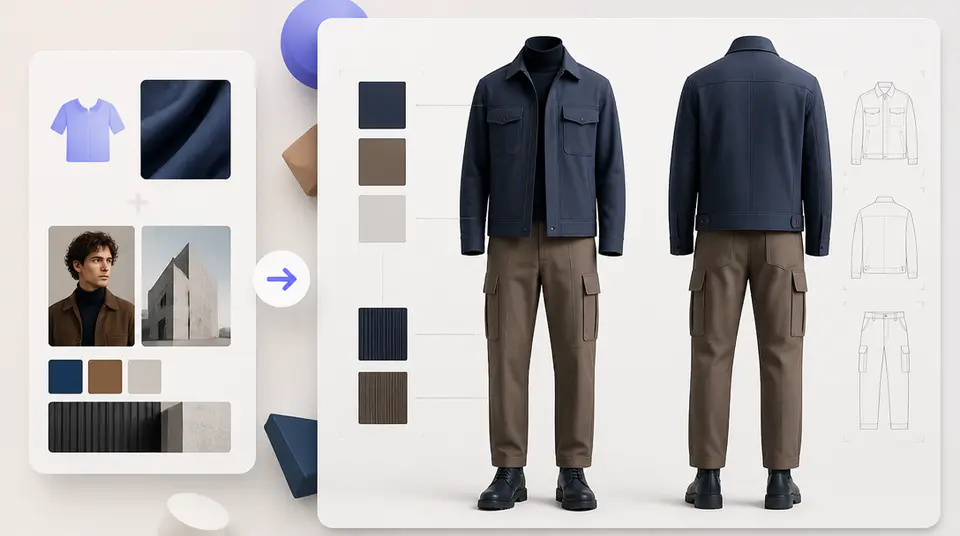
Move from a broad clothing idea to a clear product-style concept while controlling shape, mood, construction, and material.
Choose from twelve image-backed garment categories so the generated result begins with the right apparel structure.

Guide fit, closure, pockets, sleeves, neckline, and hem with controls that adapt to the selected garment type.

Upload an optional material reference and generate either a front view or a coordinated front-and-back presentation.

Designers use Imgkits to compare garment directions before investing in detailed technical development.
The garment and style cards give me a fast visual starting point, while the construction controls keep the result specific enough to discuss.

Elena Marlowe
Independent Fashion Designer
Front-and-back output is useful for early range planning because I can review the overall shape before moving into technical drawings.

Mateo Ruiz
Apparel Product Developer
I use fabric references to test whether a material direction suits a silhouette before requesting physical samples.

Maya Chen
Fashion Brand Founder
Create a focused apparel direction in three steps.
Select the apparel category and visual mood that best match the direction you want to explore.
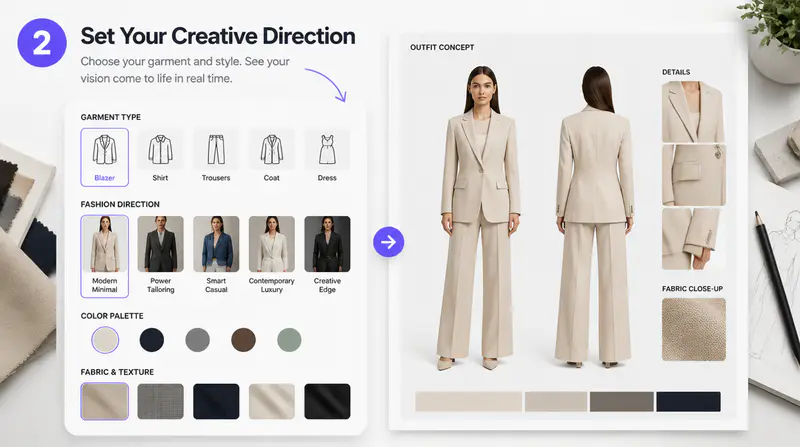
Set the silhouette and relevant closure, pocket, sleeve, neckline, hem, and view options.
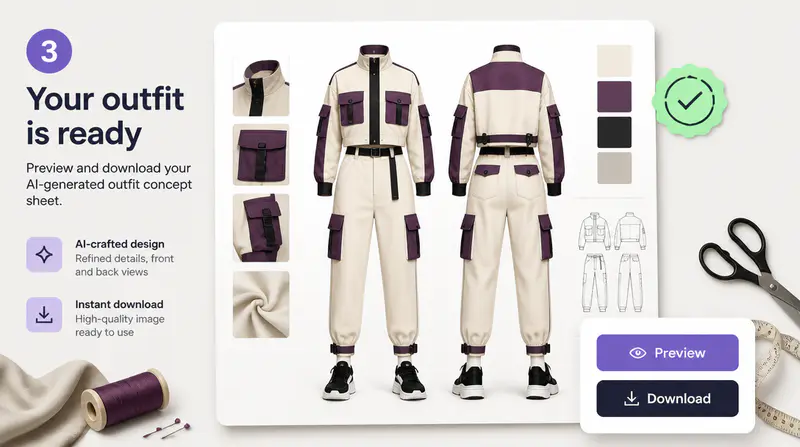
Create the apparel render, inspect it at full size, and download the result for your design workflow.
Can't find the answer you're looking for? Contact our support team
It creates original product-style garment concepts from your selected clothing type, silhouette, visual mood, construction details, and optional fabric reference.
Yes. Available categories include tees, hoodies, sweatshirts, shirts, pants, shorts, skirts, dresses, jumpsuits, jackets, coats, and vests.
Yes. You can add a JPG, PNG, or WebP material reference up to 10 MB to guide the generated fabric texture.
Yes. Choose the front-and-back view to place both coordinated views in one generated image.
Each completed outfit generation uses 1 Imgkits credit.
Keep exploring
Related Imgkits tools selected for the task you are working on.