1
Write the text overlay
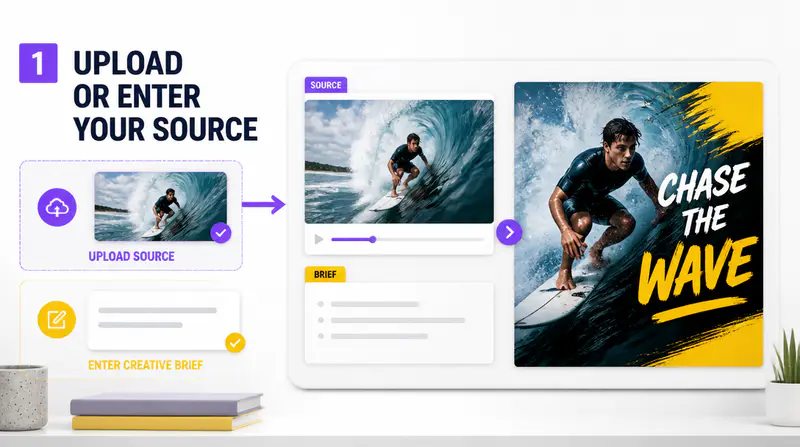
Enter a short phrase of up to 35 characters and add optional creative instructions for the composition.
Combine a concise text overlay with an optional reference image and a focused style to create a clear, compelling video thumbnail.
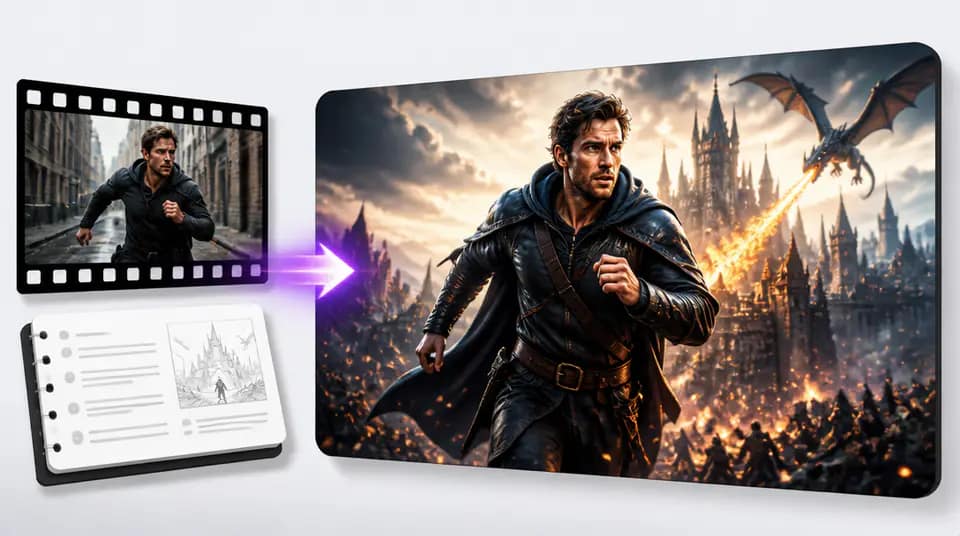
Guide the hierarchy, subject, style, and format without starting from a blank design file.
Use up to 35 characters to establish the main promise, topic, or hook that viewers should notice first.

Compare clean modern, minimalist, high energy, recipe, cinematic, and bold overlay styles through visual presets.

Upload an optional image to guide the subject while additional instructions refine expression, emphasis, or supporting elements.

Video teams use Imgkits to explore multiple cover directions before final production.
The 35-character limit keeps the hook focused, and the preset previews make each direction easy to understand.

Diego Romero
Video Producer
I use the reference upload when a presenter or product needs to remain the clear subject of the cover.

Mei Tan
Content Strategist
The ratio options let our team prepare landscape, portrait, and square thumbnail concepts from the same brief.

Jonah Brooks
Social Video Editor
Write the hook, choose the visual direction, and download the generated cover.
Enter a short phrase of up to 35 characters and add optional creative instructions for the composition.
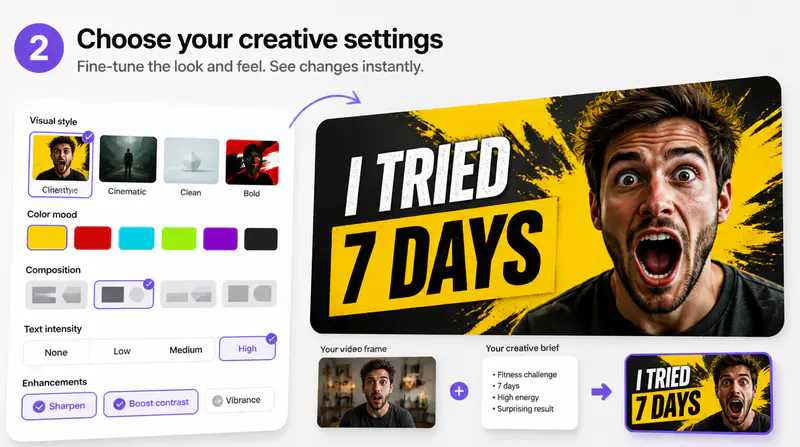
Pick one of six visual presets, select the output ratio, and optionally upload the subject image.
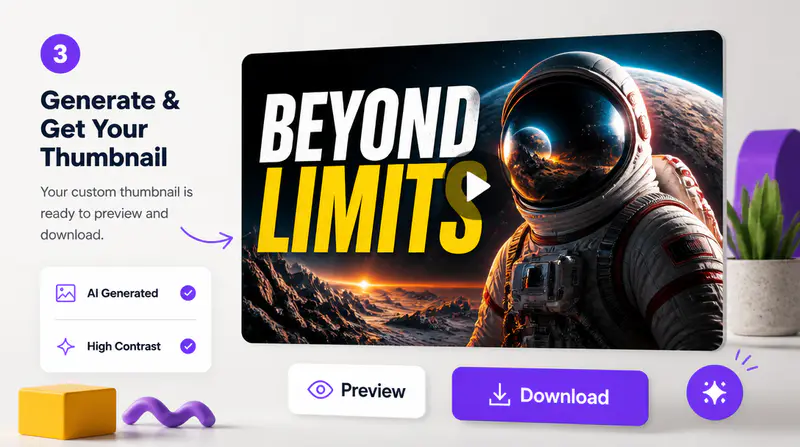
Review the result in full size, download it, or return to the form to explore another direction.
Can't find the answer you're looking for? Contact our support team
Use the clearest short hook, topic, or promise from the video. The field supports up to 35 characters so the result stays readable.
Yes. The optional reference image can guide the subject that appears in the generated thumbnail.
The generator includes clean modern, minimalist, high energy, recipe, cinematic, and bold overlay directions with visual previews.
You can create thumbnails in 3:2 landscape, 2:3 portrait, or 1:1 square format.
Each successful thumbnail generation uses 1 credit. Failed generations do not deduct a credit.
Keep exploring
Related Imgkits tools selected for the task you are working on.