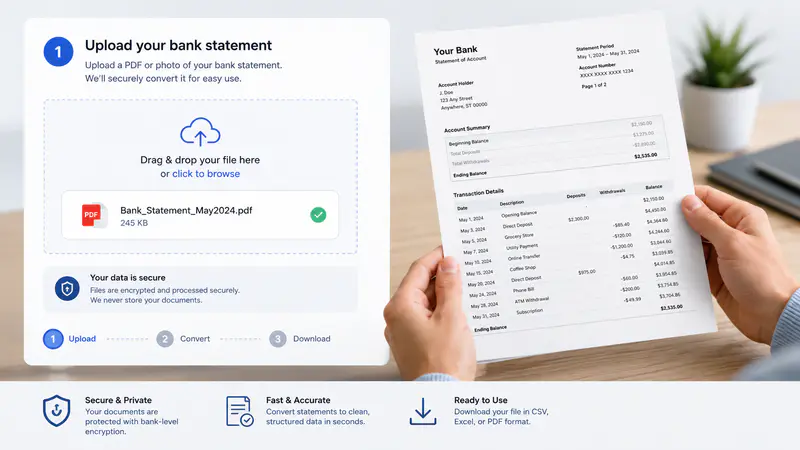
1
Upload your statement
Choose a JPG, JPEG, PNG, or PDF bank statement up to 10 MB, or load the sample statement to test the workflow.
Upload a bank statement PDF or image, extract account details and transactions, and download structured data for your workflow.
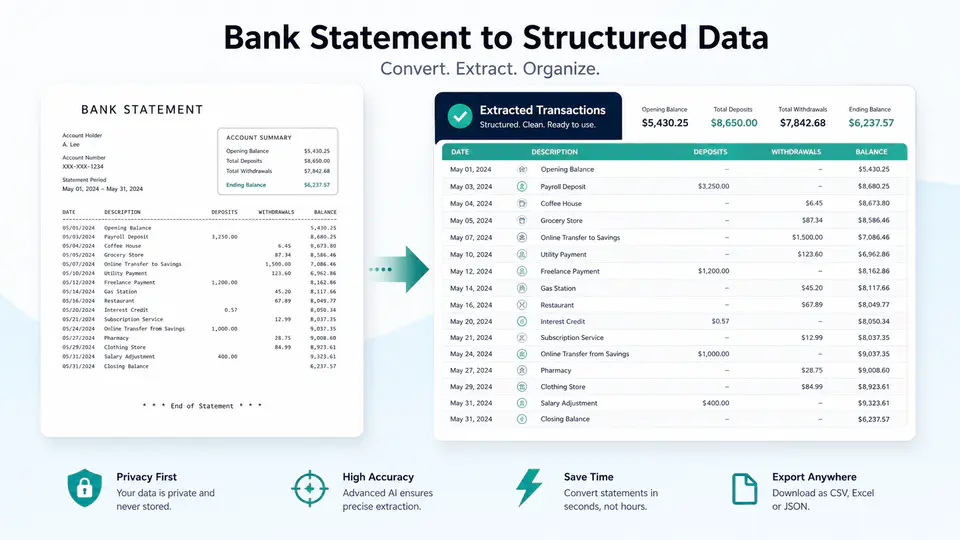
Extract the details that matter without manually retyping pages of account activity.
Detect account holder details, statement dates, balances, account numbers, and other common fields from supported bank statement files.

Turn deposits, withdrawals, dates, descriptions, and amounts into tables that are easier to review, sort, and reuse.

Export the converted statement as CSV for spreadsheets or JSON for bookkeeping, analysis, and development workflows.

Teams use Imgkits to move statement details into structured workflows with less manual transcription.
I can review a client statement and move transaction rows into my reconciliation sheet without typing every line by hand.

Nia Okafor
Bookkeeping Consultant
The structured account fields give me a useful starting point when preparing monthly cash-flow reports for small businesses.

Jonah Kim
Financial Operations Analyst
CSV export makes it easier to clean and categorize statement data before importing it into our internal reporting workflow.

Mateo Silva
Small Business Advisor
Move from a supported statement file to downloadable structured data in three steps.
Choose a JPG, JPEG, PNG, or PDF bank statement up to 10 MB, or load the sample statement to test the workflow.
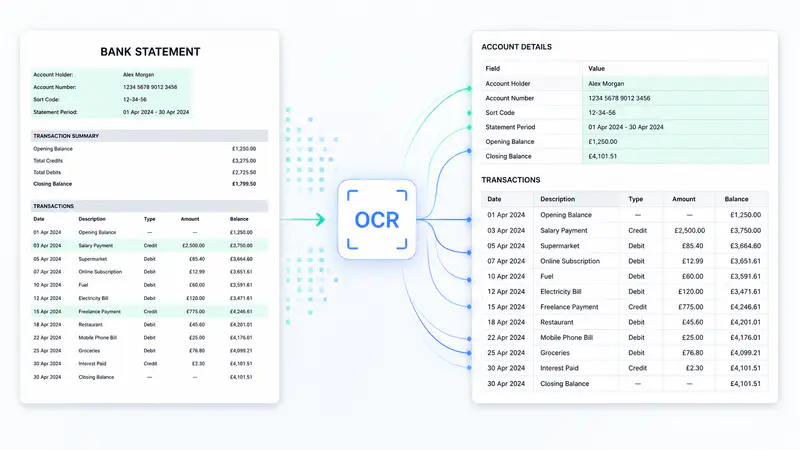
Run the converter to identify statement fields, account balances, and transaction rows from the document.
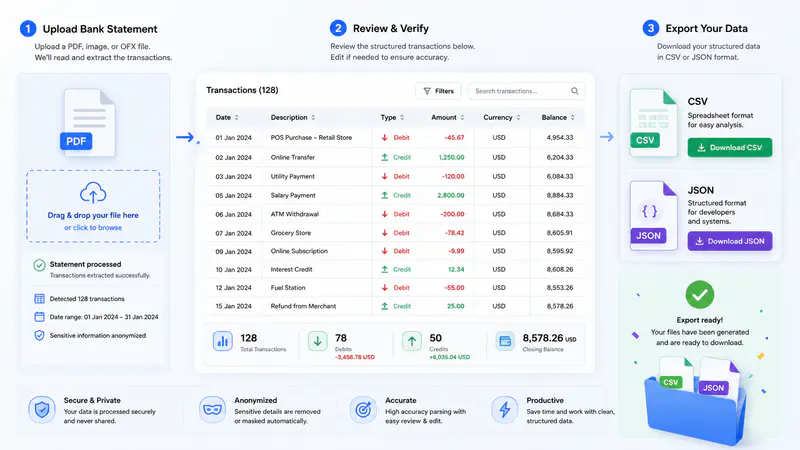
Check the detected values and download the result as CSV or JSON for your next step.
Can't find the answer you're looking for? Contact our support team
You can upload JPG, JPEG, PNG, and PDF bank statements up to 10 MB.
Results may include account holder details, bank details, statement dates, account numbers, balances, fees, and transaction rows such as dates, descriptions, deposits, withdrawals, and amounts.
Yes. After extraction, you can download the structured statement data as a CSV file for spreadsheet and reconciliation workflows.
Results depend on document quality and layout. Review extracted values before using them for accounting, compliance, or financial decisions.
Clear, well-lit statement photos in JPG or PNG format are supported. Avoid blur, glare, severe perspective distortion, and cropped transaction rows.
Each bank statement conversion uses 1 credit.
Keep exploring
Related Imgkits tools selected for the task you are working on.
Convert text to emoji or explain emoji messages in natural language.
Open toolDescribe an image as a reusable AI prompt.
Open toolGenerate accurate descriptions of image content.
Open toolExtract readable text from images using OCR.
Open tool