AI Halloween Photo Filter
Your photo. A Halloween story.
Turn a photo into a witch, vampire, pumpkin-patch portrait or haunted scene. Choose a look, add your own direction, and create a Halloween image you can review and download.
Style inspiration
Witch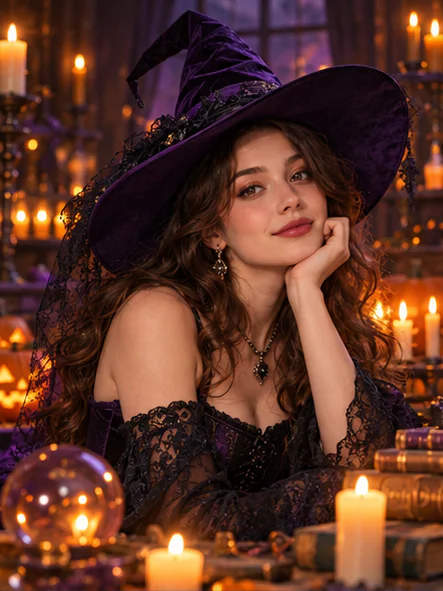
Choose your Halloween mood
Costume portraits, pumpkin evenings and atmospheric scenes. Select a style to bring it into the tool.
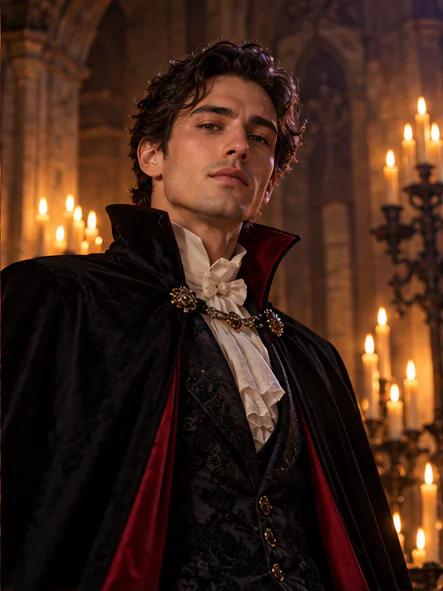
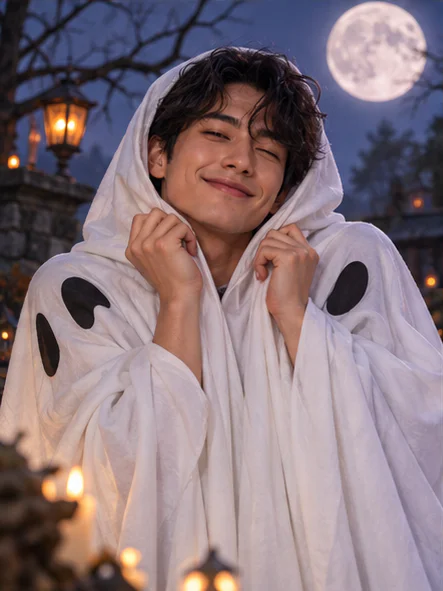
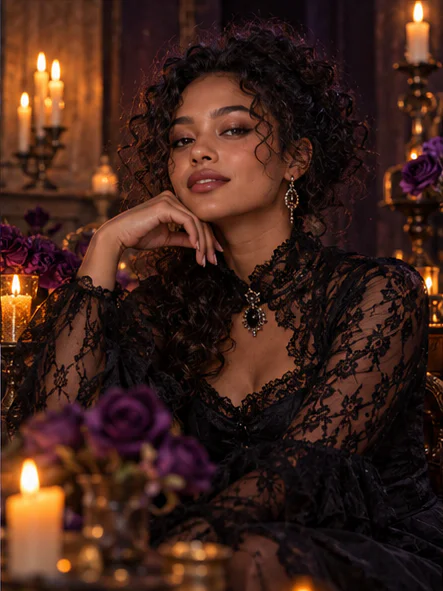
AI-created style inspiration. Illustrative images, not verified tool results.
Make Halloween your own
Start from a style, guide the changes and decide which result works for your photo.
Find your costume and scene
Try six distinct directions, from a friendly ghost to a candlelit gothic portrait. The preset guides the outfit, lighting and atmosphere rather than adding a fixed camera overlay.
Give the edit some direction
Ask for an autumn setting, a different costume detail or softer lighting. Choose a whole-scene transformation or ask the model to focus changes on the subject.
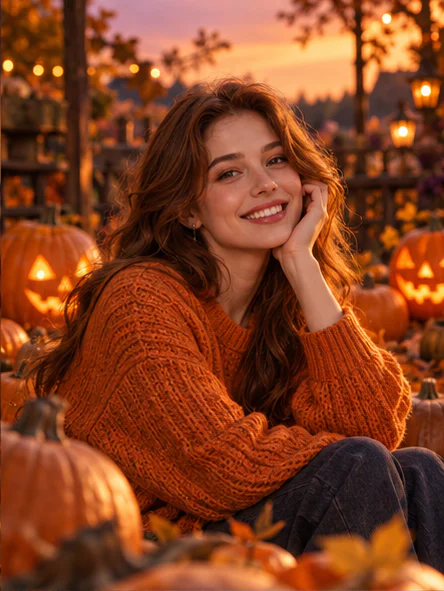
Review before you share
Compare the result with your source photo, open a larger view and download the image. Reuse a result as the next input when you want to explore a different look.
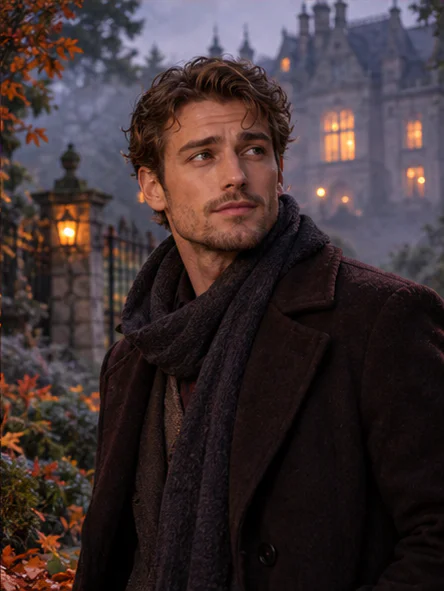
From your photo to a festive look
- 1
Bring a clear photo
Upload one JPG, PNG or WebP image up to 10 MB. A well-lit subject gives the model a clearer reference.
- 2
Choose and guide the look
Pick a style, choose the editing scope, and optionally describe the costume, setting or lighting you want.
- 3
Generate, review and download
Sign in and check the displayed usage requirement. Generate an image, review its details, and download the version you want.
Before you start
Which photos can I upload?
Upload one JPG, PNG or WebP image up to 10 MB. Use a clear, well-lit photo and only upload images you are allowed to edit.
Will my face stay exactly the same?
The prompt asks the model to retain recognizable facial features, but generative edits can change faces, clothing and small details. Review the image before using or sharing it.
Do I need to sign in or use credits?
Sign in to generate. The tool shows the required credits before you submit and uses your available Imgkits credits. Failed generation is not charged as a successful task.
What if generation takes longer or I leave the page?
When a task ID is known, return with the same account and resume that task. Avoid submitting it again. A cancellation request may arrive after the task has already completed.