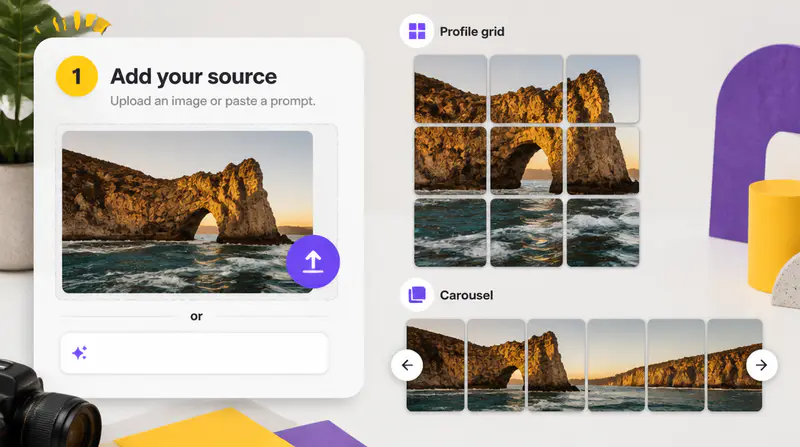
1
Upload your source image
Choose a clear JPEG, PNG, or WebP image with enough detail for the number of tiles you plan to create.
Upload one image, choose a platform and layout, then split it into precisely sized tiles ready to post.
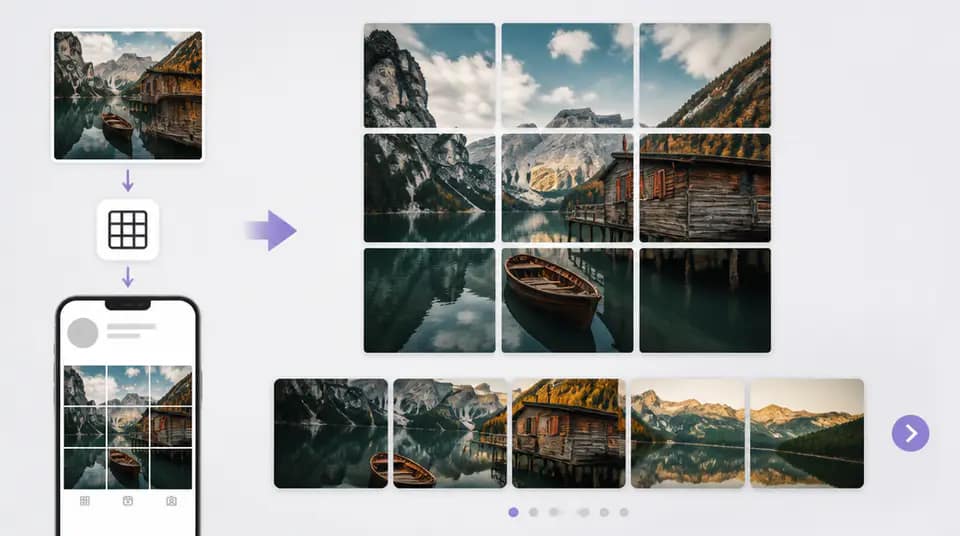
Keep one visual idea connected across several posts while matching the dimensions each platform expects.
Switch among Instagram, TikTok, and X layouts with grid and carousel options tailored to each publishing workflow.

Centered cropping and consistent output dimensions preserve the composition while creating clean edges between tiles.

Clear numbering helps you publish profile grids in reverse order and carousels in their natural sequence.

Creators use Imgkits to prepare connected posts without rebuilding crops in a design editor.
I can turn one campaign visual into a clean profile grid and keep the posting sequence clear for the whole team.

Maya Chen
Ecommerce Brand Manager
The carousel sizes save me from measuring every crop. I can preview the sequence before scheduling the posts.

Mateo Silva
Social Video Producer
Having separate presets for each platform makes it much easier to reuse a launch visual across several channels.

Elena Marquez
Independent Content Creator
Prepare a connected social layout in three focused steps.
Choose a clear JPEG, PNG, or WebP image with enough detail for the number of tiles you plan to create.
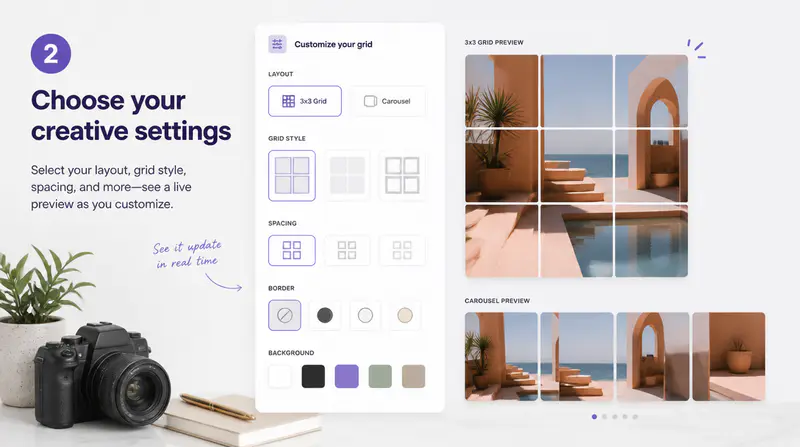
Select Instagram, TikTok, or X, then choose a grid or carousel arrangement that fits your publishing plan.
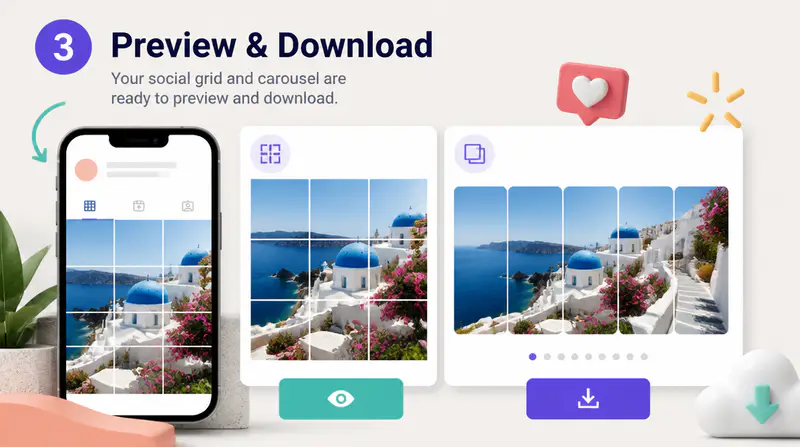
Inspect each tile, follow the displayed posting order, and download one image or the complete ZIP file.
Can't find the answer you're looking for? Contact our support team
It divides one image into several precisely cropped tiles that can be posted separately while forming a connected visual or carousel.
The tool includes layouts for Instagram, TikTok, and X, including platform-specific grid and carousel formats.
No. The image is centered and cropped to the required composition before each tile is created, so its proportions are not distorted.
Profile grids are normally posted from the final tile back to the first so the completed image appears in the intended visual order.
Yes. You can download individual PNG tiles or a ZIP file containing every tile numbered in the recommended posting order.
Keep exploring
Related Imgkits tools selected for the task you are working on.
Edit images using natural-language instructions.
Open toolImprove photo clarity, details and overall quality.
Open toolReplace a photo background with a color or a new scene.
Open toolRemove an image background automatically.
Open tool