1. Home
  2. Image Generation
  3. Passport Photo Generator
Country-Ready Photo Editor

Passport Photo Generator for ID and Visa Photos

Upload a clear portrait, remove its background, choose a country and document size, then adjust the crop and download your finished photo without leaving the page.

Upload or drop a portrait

JPEG or PNG, up to 10MB

Choose Photo

Use a clear, front-facing portrait with space around the head.

Photo Size

Photo requirement

Head must be between 1 -1 3/8 inches (25 - 35 mm) from the bottom of the chin to the top of the head

Preset background: White

This run uses 1 credit. 0 available.

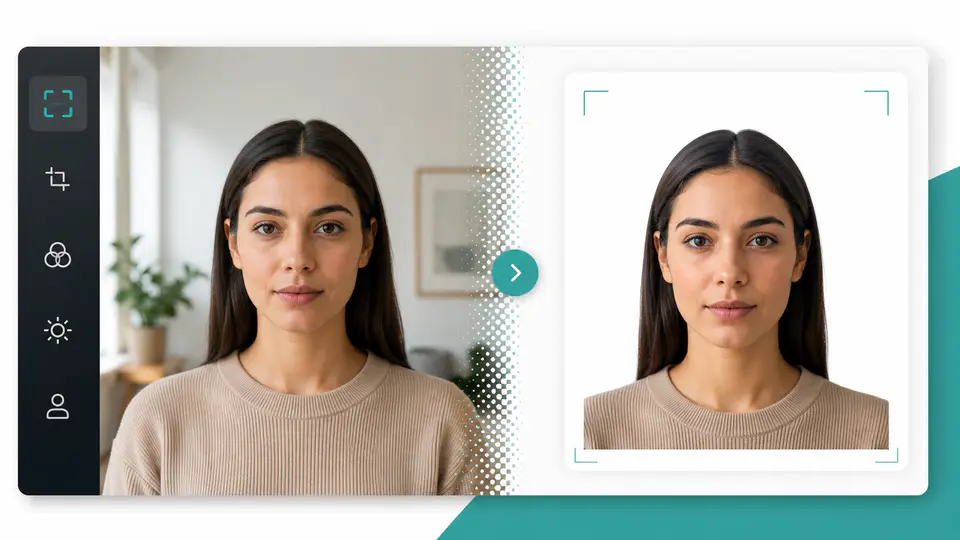
Passport photo before and after background cleanup and standard cropping

Everything Needed for a Submission-Ready Photo

The workflow combines background removal with document sizing and hands-on crop controls, while keeping the final review in your browser.

Background Removal Built for ID Photos

Upload a JPEG or PNG portrait and the tool separates the subject from the original scene. The transparent cutout can then sit on the white, blue, red, gray, or custom background selected for the document.

Make a Passport Photo
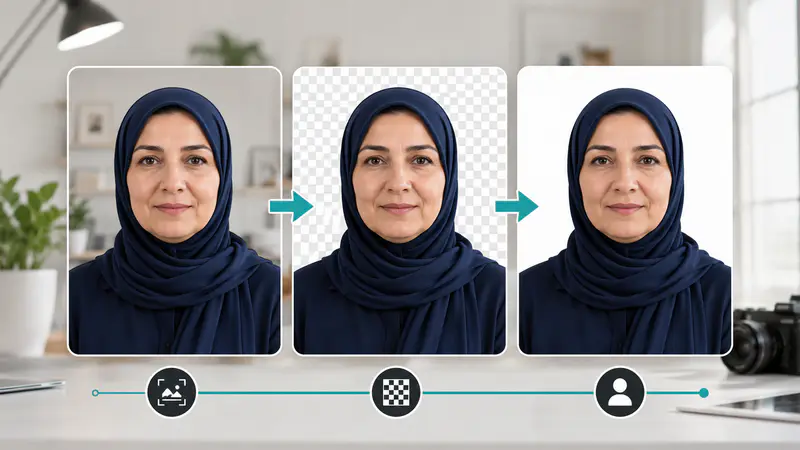
Portrait background being removed for a passport photo

Country and Document Size Standards

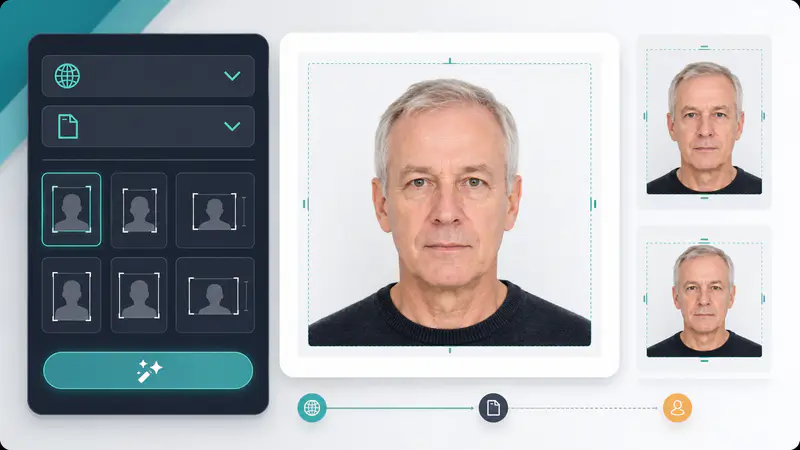
Choose from passport, visa, residence card, driving license, and other document presets across 144 countries and regions. Each option carries its physical aspect ratio, source requirement note, and prescribed background from the Canva workflow.

Make a Passport Photo
Country and document size selectors in the passport photo generator

Precise Crop and Background Controls

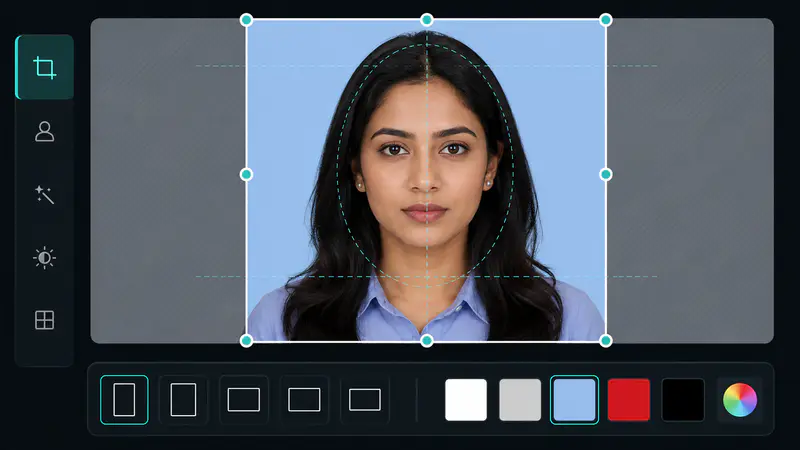
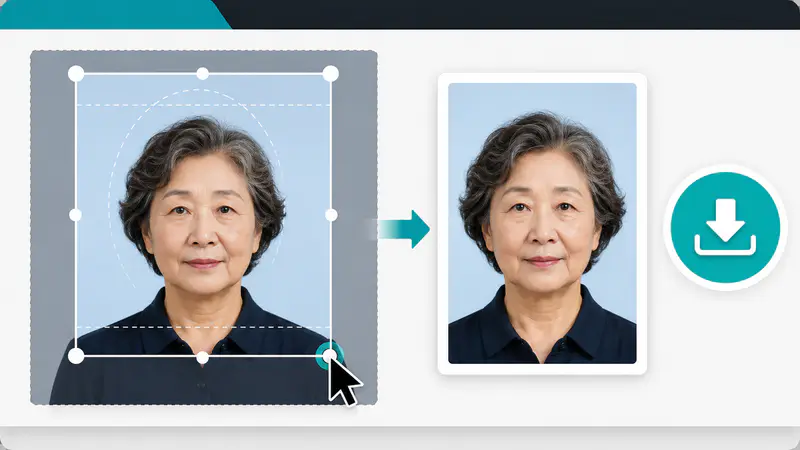
Move and resize the crop frame directly over the processed portrait. Country mode keeps the selected standard ratio, while custom mode lets you set another ratio and choose a common swatch or exact color.

Make a Passport Photo
Interactive crop frame and background color controls for an ID photo

Passport and ID Photo Use Cases

Prepare the format you need, then compare it with the latest instructions from the issuing authority before submission.

Passport Applications and Renewals

Set a country-specific passport ratio, center the face, replace distracting scenery, and export a clean PNG for an online application or print layout.

Visa and Immigration Photos

Switch to the relevant visa preset when it differs from the passport size, and review the included head-position or background note before downloading.

ID Cards, Licenses, and Permits

Use document presets for identity cards, residence permits, driving licenses, citizenship forms, and other supported records, or choose a custom ratio when needed.

A More Practical Way to Prepare ID Photos

These fictional examples reflect common ways people use the complete upload, crop, and download workflow.

I needed a visa photo with a different ratio from my passport photo. Switching the country and document preset made the crop much easier to check before I submitted it.
Fictional portrait of Lena Ortiz

Lena Ortiz

Graduate Student

Our travelers send photos from phones with all kinds of backgrounds. I can remove the scene, use the requirement note, and return a consistent PNG from one page.
Fictional portrait of Marcus Hale

Marcus Hale

Travel Coordinator

The custom ratio and color picker are useful when a local permit does not match the usual passport presets. The movable crop frame gives me the control I need.
Fictional portrait of Priya Sen

Priya Sen

Freelance Designer

How to Use the Passport Photo Generator

Go from an ordinary portrait to a cropped ID photo in three direct steps.

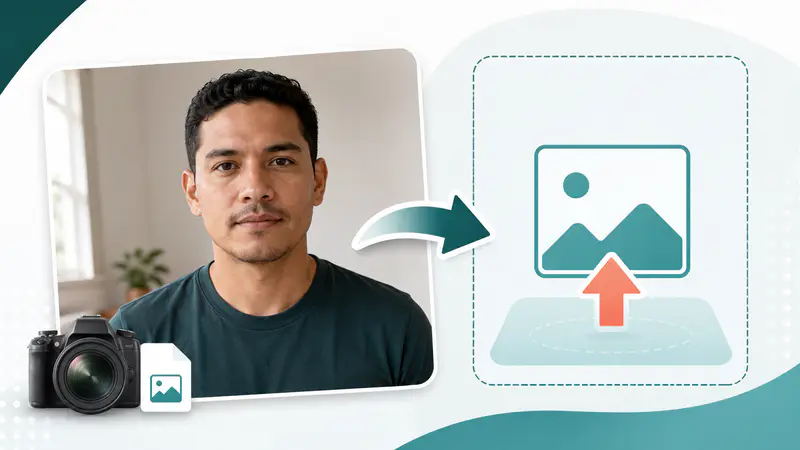
Uploading a clear front-facing portrait to the passport photo generator
1

Upload a Clear Portrait

Choose a JPEG or PNG under 10MB. A front-facing photo with even lighting and visible space around the head gives you more room to position the crop.

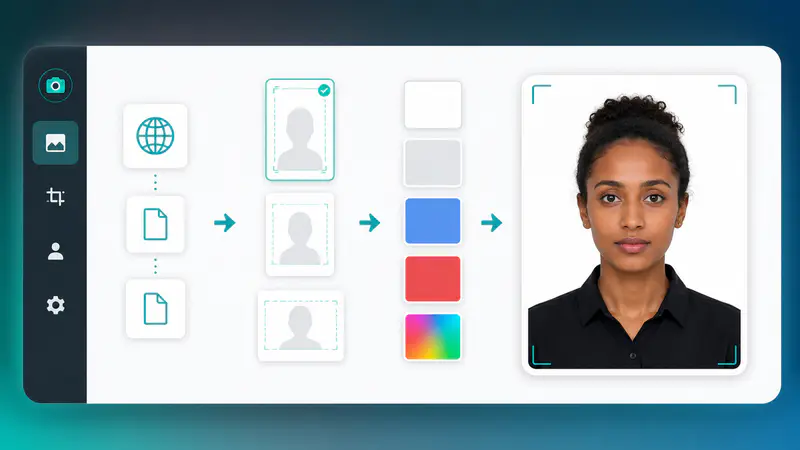
Choosing a country, document size, and background for an ID photo
2

Choose the Standard or Custom Size

Select country standard and the relevant document, or switch to custom mode for another aspect ratio and background color. Read the requirement note shown for the selected preset.

Adjusting the crop frame before downloading a passport photo
3

Adjust, Preview, and Download

After background removal, move and resize the crop frame around the subject. Preview the composed image, then download the finished PNG when the framing looks right.

Passport Photo Generator FAQ

What does this Passport Photo Generator do?

It removes the original background and helps you crop a portrait for passport, visa, and ID photo formats. You can choose a country preset or create a custom ratio and background.

Does the generator guarantee that my photo will be accepted?

No, acceptance is not guaranteed. Photo rules can change and may include requirements beyond size and background, so always compare the result with the issuing authority's current instructions.

Which countries and document sizes are included?

The selector includes 144 countries and regions with 486 passport, visa, ID card, license, permit, and related document presets ported from the approved Canva project.

Can I set a custom passport photo size or background?

Yes. Custom mode lets you enter an aspect ratio from 0.1 to 5 and choose a common background swatch or an exact color with the color picker.

What files can I upload?

You can upload JPEG, JPG, or PNG images up to 10MB. Other formats are rejected before the image is uploaded or processed.

Can I reposition the crop after background removal?

Yes. Drag the crop frame to move it and use its corner controls to resize it while keeping the selected country or custom aspect ratio.

Why should I verify the official photo requirements?

Issuing authorities can change dimensions, head placement, recency, expression, clothing, and background rules. The included presets are a preparation aid, not a substitute for official guidance.