1
Describe the message
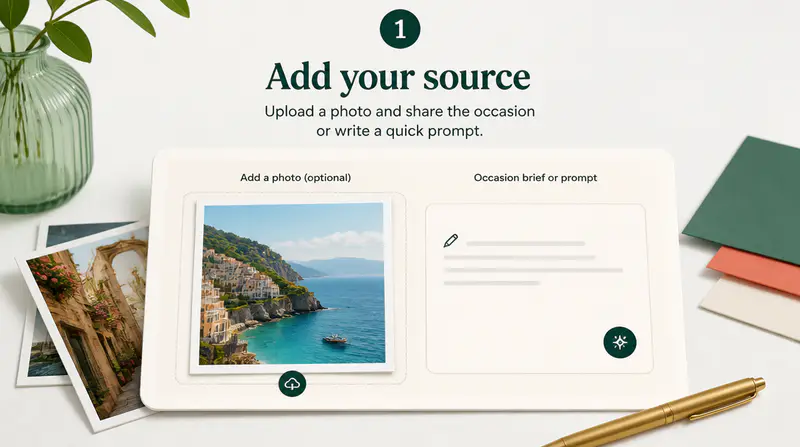
Choose an occasion, name the recipient, and add the story, memory, or message you want the postcard to express.
Describe the occasion and recipient, shape the tone and art direction, then create a coordinated postcard front and back.
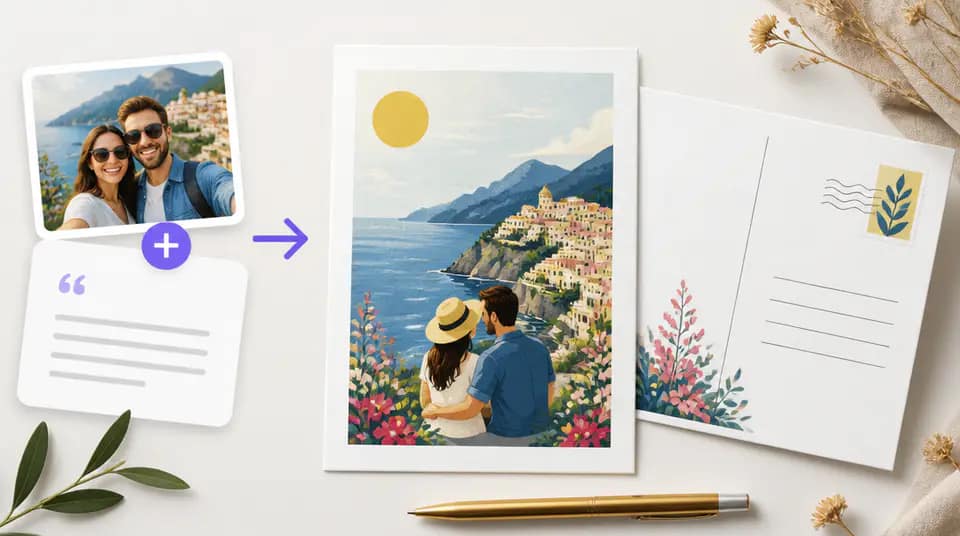
Turn a personal message into a coordinated keepsake with focused controls for the occasion, mood, artwork, and printed details.
Choose a familiar occasion or describe your own, then add the recipient and the personal details that should shape the design.

Set front artwork, headline, and message while keeping independent control over the back layout, writing area, and contact details.

Upload an optional image, identify its purpose, and decide whether it belongs on the front or back of the finished postcard.

Creators use Imgkits to explore personal postcard ideas before printing or sharing them digitally.
I can turn a few family details into a birthday postcard that feels considered on both sides instead of using a generic template.

Elara Voss
Independent Illustrator
The separate back controls are useful for client mailers because the address area and brand contact details stay organized.

Darius Cole
Community Manager
Uploading a personal photo gives holiday postcards a much stronger starting point while the style controls keep the result cohesive.

Leona Park
Family Photographer
Build a complete front-and-back postcard in three focused steps.
Choose an occasion, name the recipient, and add the story, memory, or message you want the postcard to express.
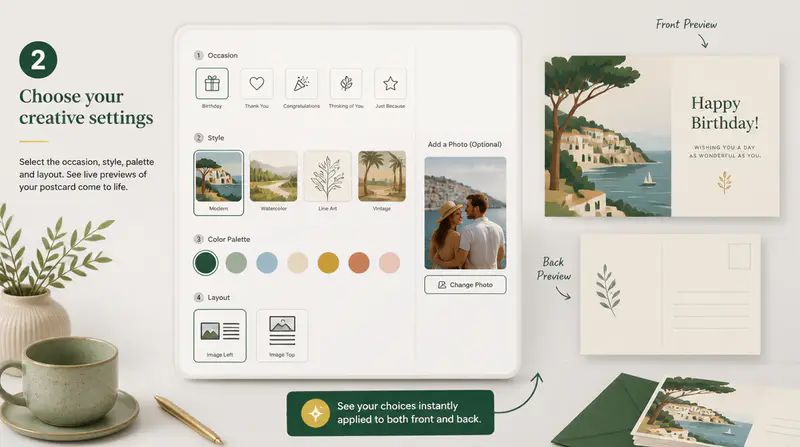
Select the tone and open advanced controls when you want exact headlines, artwork, back copy, address, or contact details.
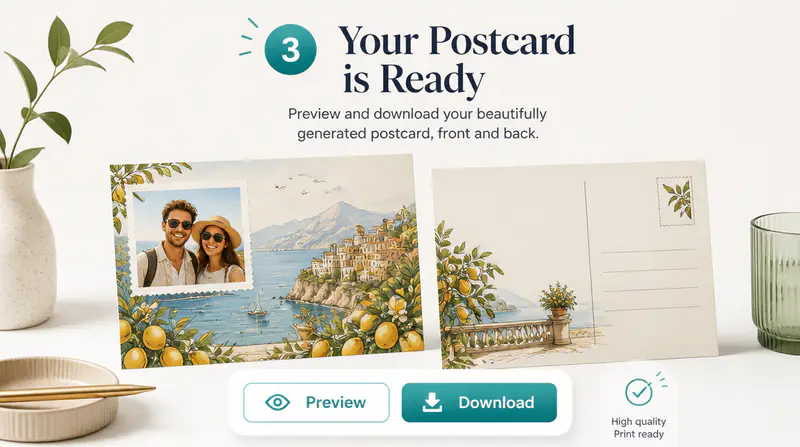
Create the coordinated pair, inspect each side in full size, and download the front, back, or complete ZIP file.
Can't find the answer you're looking for? Contact our support team
You can create coordinated postcard fronts and backs for birthdays, thank-you notes, holidays, congratulations, thoughtful messages, and custom occasions.
Yes. A successful run creates one vertical front design and one horizontal back design that share a consistent visual direction.
Yes. The advanced controls let you provide an exact front headline, front message, back message, return address, and contact information.
Yes. You can upload a JPEG or PNG, identify it as a photo, logo, or another reference, and choose which postcard side should use it.
Download either side as a WebP image or save both the front and back together in one ZIP file.
Keep exploring
Related Imgkits tools selected for the task you are working on.