1
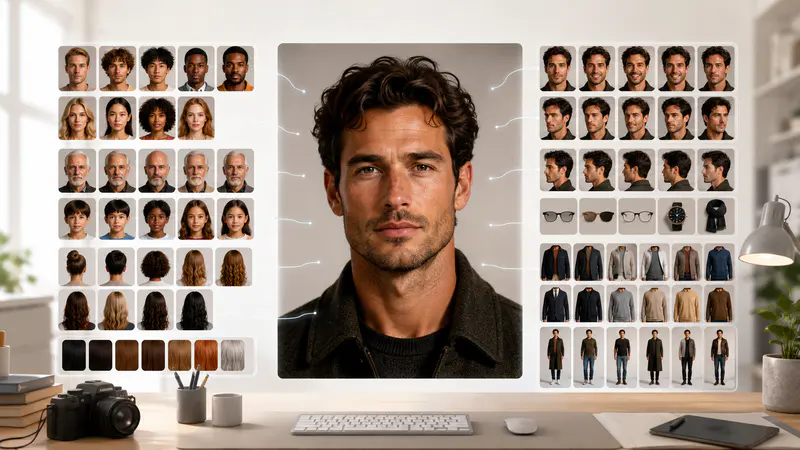
Set the core human details
Choose gender and age, then open the detailed controls to set appearance, hair, expression, clothing, and pose.
Set age, appearance, clothing, pose, and scene details to create an original AI person in your preferred format.
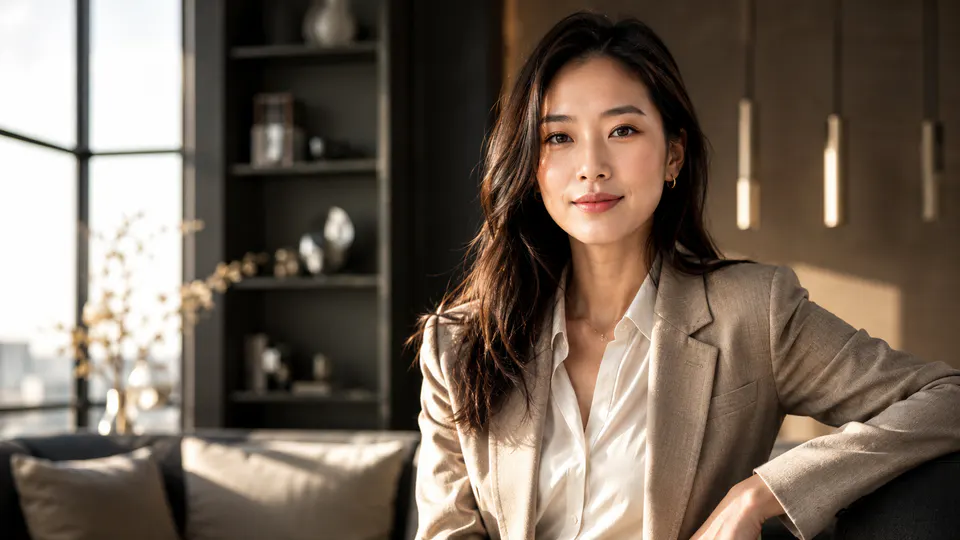
Direct the portrait from facial characteristics to final composition without compressing your idea into one vague prompt.
Build a clear subject specification with age, gender, ethnicity, expression, hairstyle, and hair color controls. These details give the image model a structured identity brief while leaving room for an original person rather than copying a real individual.

Choose outfit style and color, then define the subject's pose and background. Combine business attire with a studio setting, streetwear with a city scene, or another coherent direction suited to editorial, concept, and campaign work.

Move between photorealistic, studio portrait, cinematic, 3D render, and anime treatments. Five aspect ratios cover square, landscape, portrait, and classic compositions so the result starts in the format your project needs.

Fictional examples based on common portrait, character, and campaign workflows.
The separate expression, wardrobe, and background controls help me present focused casting concepts without rewriting a long art-direction prompt each time.

Elena Marlowe
Independent Art Director
I can test a cinematic character, a clean studio portrait, and a stylized 3D direction while keeping the same core age and outfit brief.

Darius Cole
Game Concept Designer
The five framing options make it easier to explore square profile art and wide editorial scenes from one structured human description.

Sofia Larkin
Editorial Content Producer
Define the person, refine the visual direction, and download the finished portrait in three steps.
Choose gender and age, then open the detailed controls to set appearance, hair, expression, clothing, and pose.
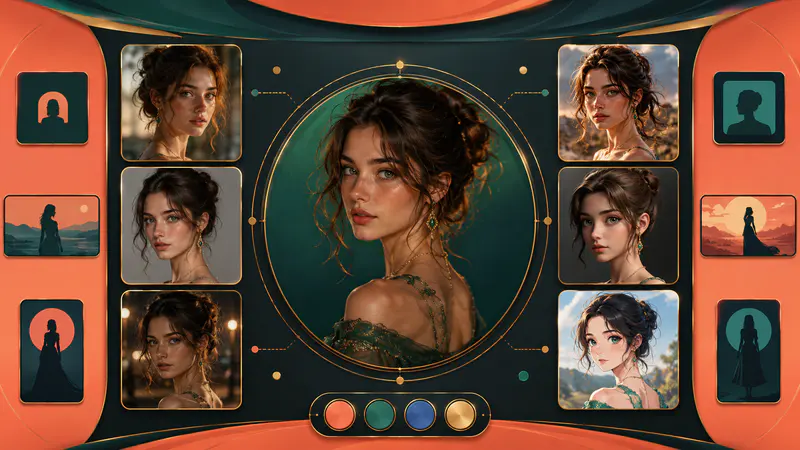
Pick a visual style and aspect ratio, select a background, and add any specific props or creative direction in the description.
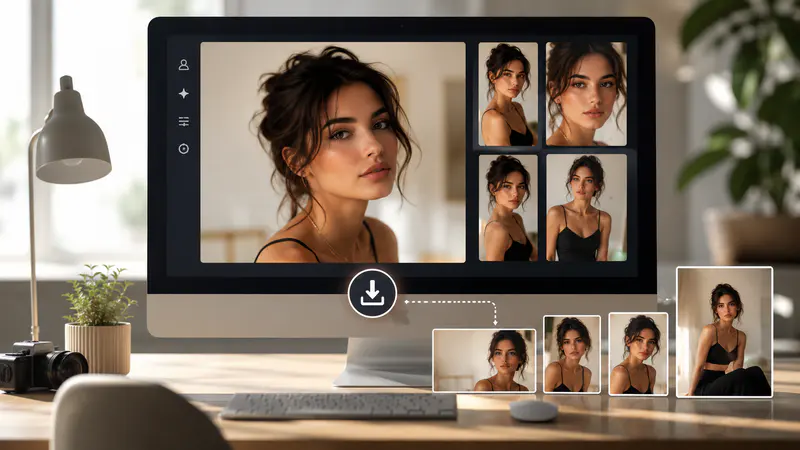
Create the portrait, inspect it at full size, and download the PNG or adjust the controls for another interpretation.
Can't find the answer you're looking for? Contact our support team
An AI human generator creates an original person or character from structured visual directions. You can define appearance, styling, pose, environment, art style, and framing before generation.
No, the tool is intended for original AI people rather than impersonation. Requests involving real celebrities, public figures, deceptive identity content, or other restricted material may be rejected during review.
Five directed styles and five aspect ratios are available. Choose photorealistic, studio, cinematic, 3D, or anime treatments in square, wide, tall, or classic portrait and landscape formats.
No, a detailed prompt is optional when the visual controls already define the person. Add a description when you need specific props, actions, atmosphere, or scene details beyond the selectors.
Review identity-sensitive details before using the image. Inspect hands, clothing, facial features, background objects, and project-specific requirements at full size before publishing or sharing.
Keep exploring
Related Imgkits tools selected for the task you are working on.
Create professional headshots from personal photos.
Open toolGenerate creative and realistic AI portraits.
Open toolCreate correctly sized passport and ID photos.
Open toolCreate polished profile pictures for social platforms.
Open tool