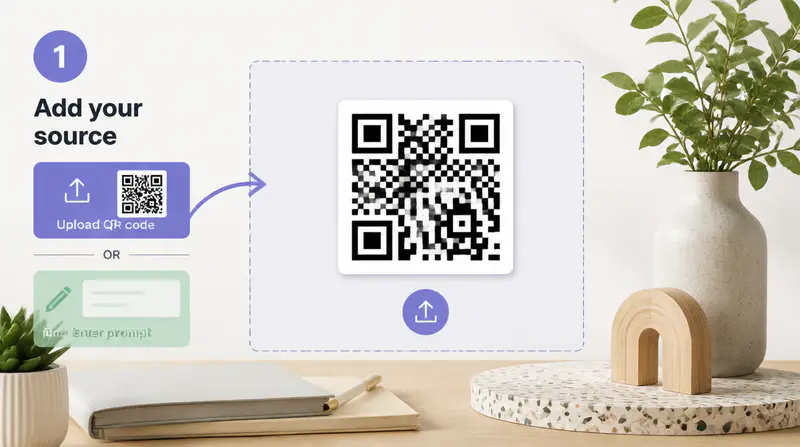
1
Add the QR destination
Enter text, a link, a phone number, or an email address, or upload an existing QR code image.
Build a branded QR code with shapes, colors, a logo, and an image background, or turn the same destination into scannable AI artwork.
Enter QR content to start the live preview.
Keep the destination practical while choosing between a precise branded QR code and a generated artistic composition.
Choose module and finder shapes, set individual colors, add glow, place a logo, or blend a background image into the QR code.

Preview image-backed presets such as snow, street, castle, holiday, nautical, and rainbow treatments before AI generation.

The custom designer tests the live QR preview at multiple sizes, while AI art includes a visibility control for stronger code structure.

Creators use artistic QR codes when plain black-and-white blocks interrupt an otherwise polished layout.
The preset previews make it easy to choose a direction that suits an event poster without sacrificing the destination link.

Nora Ellis
Event Designer
I can make a QR code feel like part of the packaging rather than an element added at the last minute.

Marcus Lee
Packaging Designer
The visibility control helps me compare bolder art with a more obvious code before I choose the final version.

Aisha Patel
Campaign Producer
Set the destination, choose Custom or AI art, and export the finished QR code in three focused steps.
Enter text, a link, a phone number, or an email address, or upload an existing QR code image.
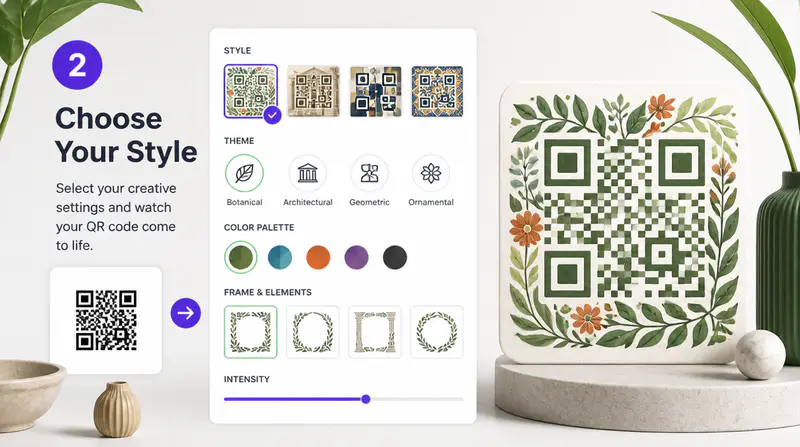
Build a local design with shapes, colors, logo, and background controls, or choose an AI art preset and visibility level.
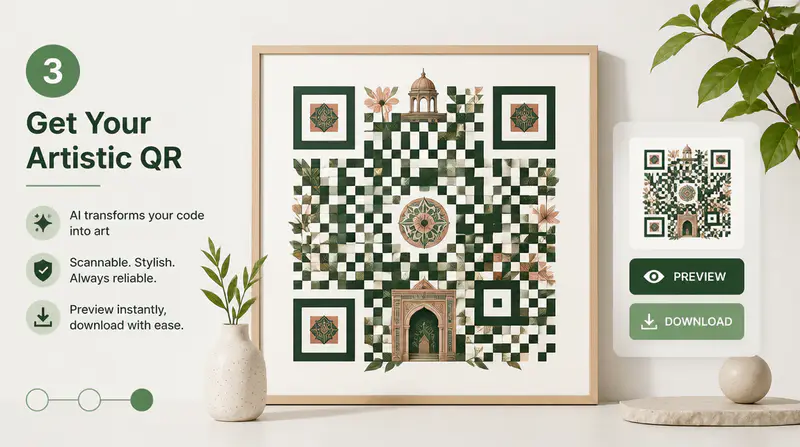
Review the generated artwork, test its scan behavior in your intended context, and download the result.
Can't find the answer you're looking for? Contact our support team
You can encode text, a website destination, a phone number, or an email address. You can also upload a readable QR image and reuse its decoded destination.
Custom mode runs a multi-size scan check on its live preview. AI art preserves QR structure and provides a visibility control, but every final code should still be tested before publishing.
Yes. The tool reads the QR image first and uses its decoded destination. Unreadable images are rejected before generation.
Yes. Custom mode lets you upload a centered logo, choose its size and shape, and blend an image behind the QR modules with opacity, scale, position, and contrast controls.
Each successful generation uses 1 credit. Failed or cancelled generations do not deduct a credit.
Keep exploring
Related Imgkits tools selected for the task you are working on.
Convert text to emoji or explain emoji messages in natural language.
Open toolConvert typed text into realistic handwriting.
Open toolCreate images from text prompts with AI.
Open toolCreate original logo concepts with AI.
Open tool