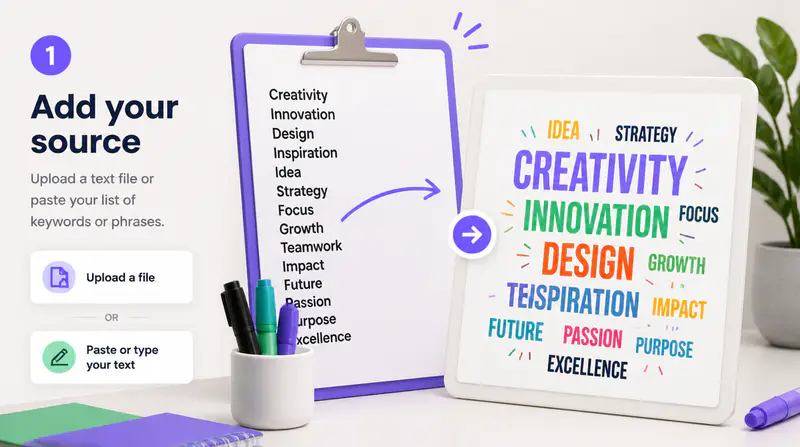
1
Enter and organize your words
Add up to 80 terms, one per line or separated by commas. Repeating an important term increases its visual weight in the generated cloud.
Enter your words, shape their hierarchy, and create a downloadable PNG with custom layouts, warps, fonts, colors, density, spacing, and backgrounds.
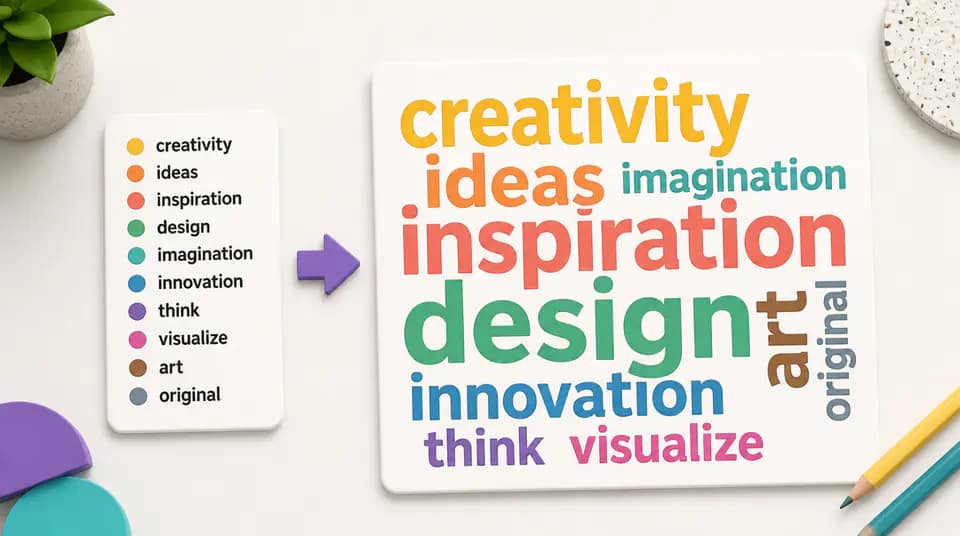
Move beyond a basic list by controlling the form, movement, hierarchy, typography, color, and spacing of the final cloud.
Build inside basic forms, familiar icon silhouettes, colored shapes, a short text mask, or your own uploaded image. Visual previews make each direction easy to compare.

Use nine layout patterns and five warp treatments to keep words horizontal, vertical, crossing, angled, dancing, curved, or varied across the composition.

Set a center word, font family, color theme, density, text size, spacing, and transparent or custom-color background before exporting a PNG.

Fictional examples based on common education, research, and creative workflows.
The visual layout previews make it easy to turn survey themes into a graphic that still feels organized and intentional.

Nia Okafor
Research Facilitator
I use a strong center word and a compact color theme for class summaries. The PNG is ready for slides and handouts.

Elara Quinn
Learning Designer
Being able to compare fonts, warps, and spacing in one place gives campaign keyword boards a more distinct visual voice.

Maya Patel
Brand Strategist
Turn a set of terms into a polished PNG in three focused steps.
Add up to 80 terms, one per line or separated by commas. Repeating an important term increases its visual weight in the generated cloud.
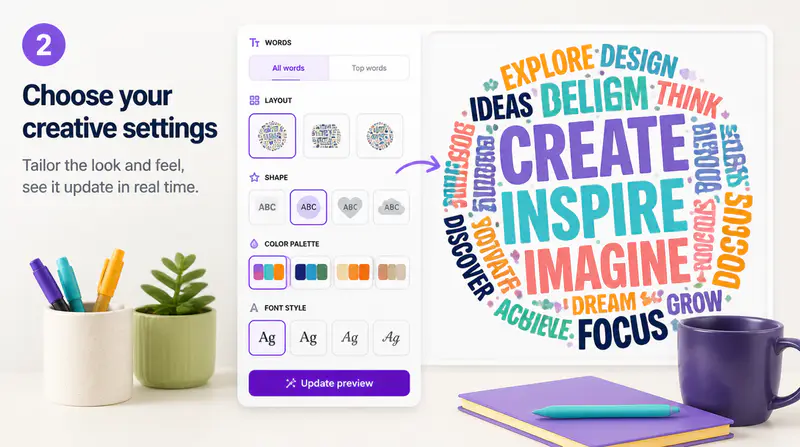
Select a visual shape, layout, warp treatment, font, color theme, density, spacing, and optional center word.
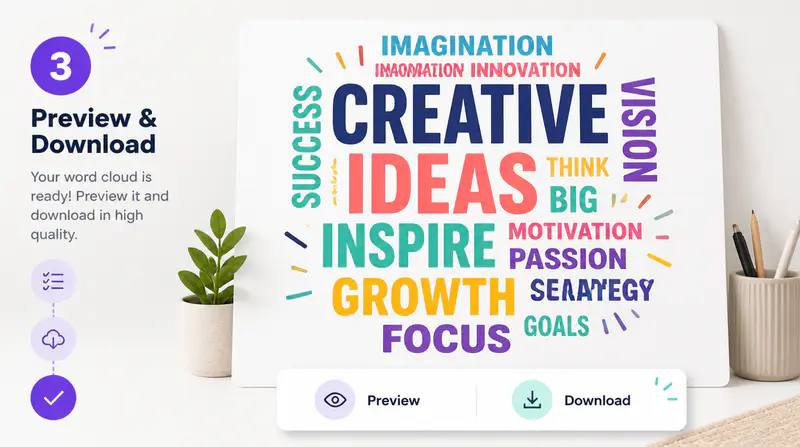
Render the composition in your browser, inspect it at full size, and download a transparent or colored-background PNG.
Can't find the answer you're looking for? Contact our support team
Terms that appear more often receive more visual weight. You can also specify a center word to establish the strongest focal point.
You can include up to 80 unique terms in one word cloud. Repeated terms are counted and combined into a higher frequency.
Yes. Choose a transparent background for flexible placement, or select a custom background color before downloading the PNG.
Yes. Upload a PNG, JPG, or WebP image and the browser will use its visible area as a placement mask for the words.
Yes. The composition is rendered with browser Canvas and exported as a PNG without sending your word list to a generative image model.
Keep exploring
Related Imgkits tools selected for the task you are working on.
Convert typed text into realistic handwriting.
Open toolConvert text to emoji or explain emoji messages in natural language.
Open toolDraw or type a personalized digital signature.
Open toolCreate images from text prompts with AI.
Open tool