Hand-Drawn Image Generator
Find the linework, texture and color that fit your idea. Explore 258 named styles, describe a subject and create an AI image with a hand-drawn look.

Style library adapted from yang0 / handraw-style. Preset names and numbers identify the original catalog. yang0 / handraw-style · MIT
A style for every idea
Find your visual language
Browse seven categories and compare image-backed styles before you generate.
Keep the subject yours
Describe the scene and add subject constraints. Style references guide the look, rather than supplying your story.
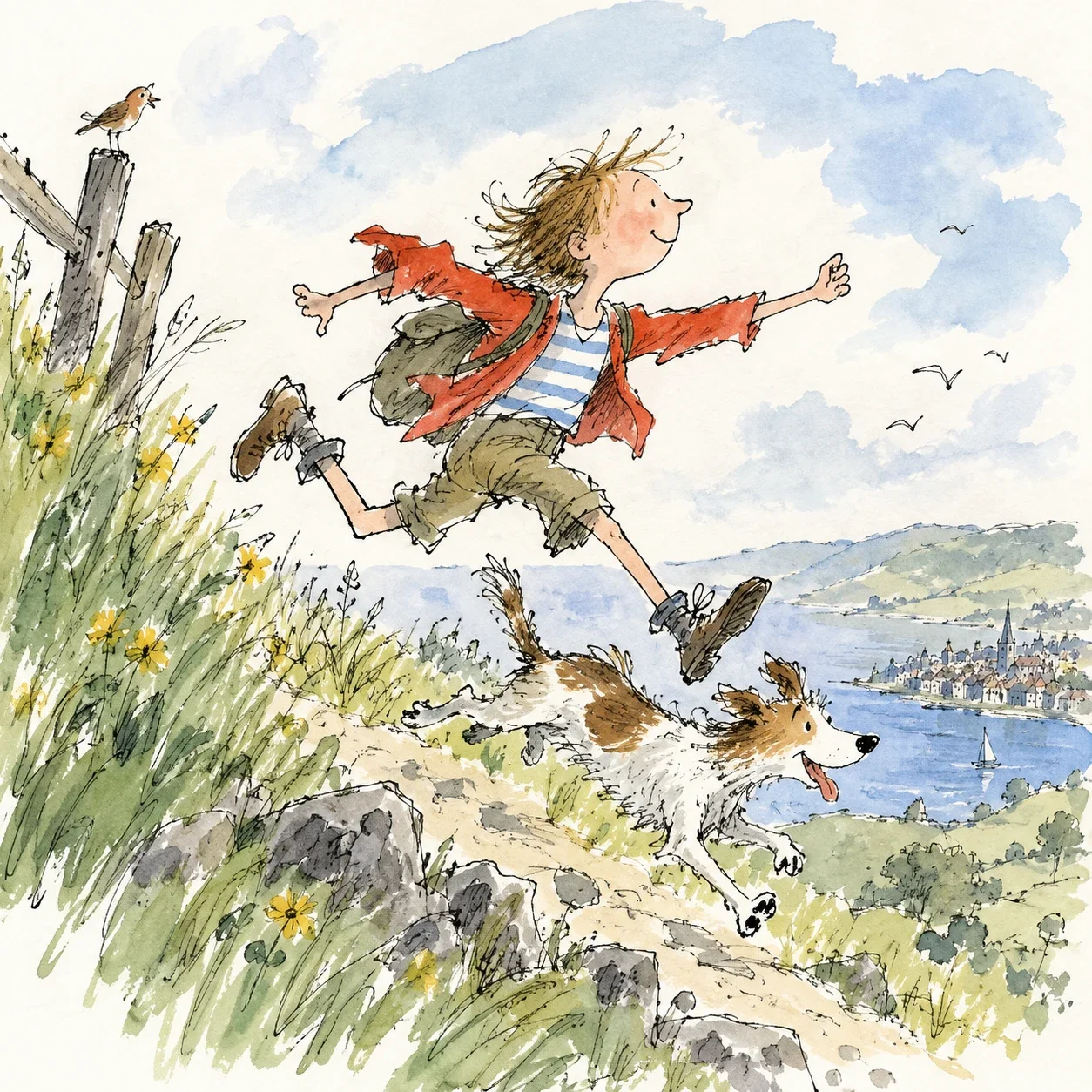
Add words when you need them
Leave lettering blank for an image-only brief, or request a short phrase. Check the generated text before using it.
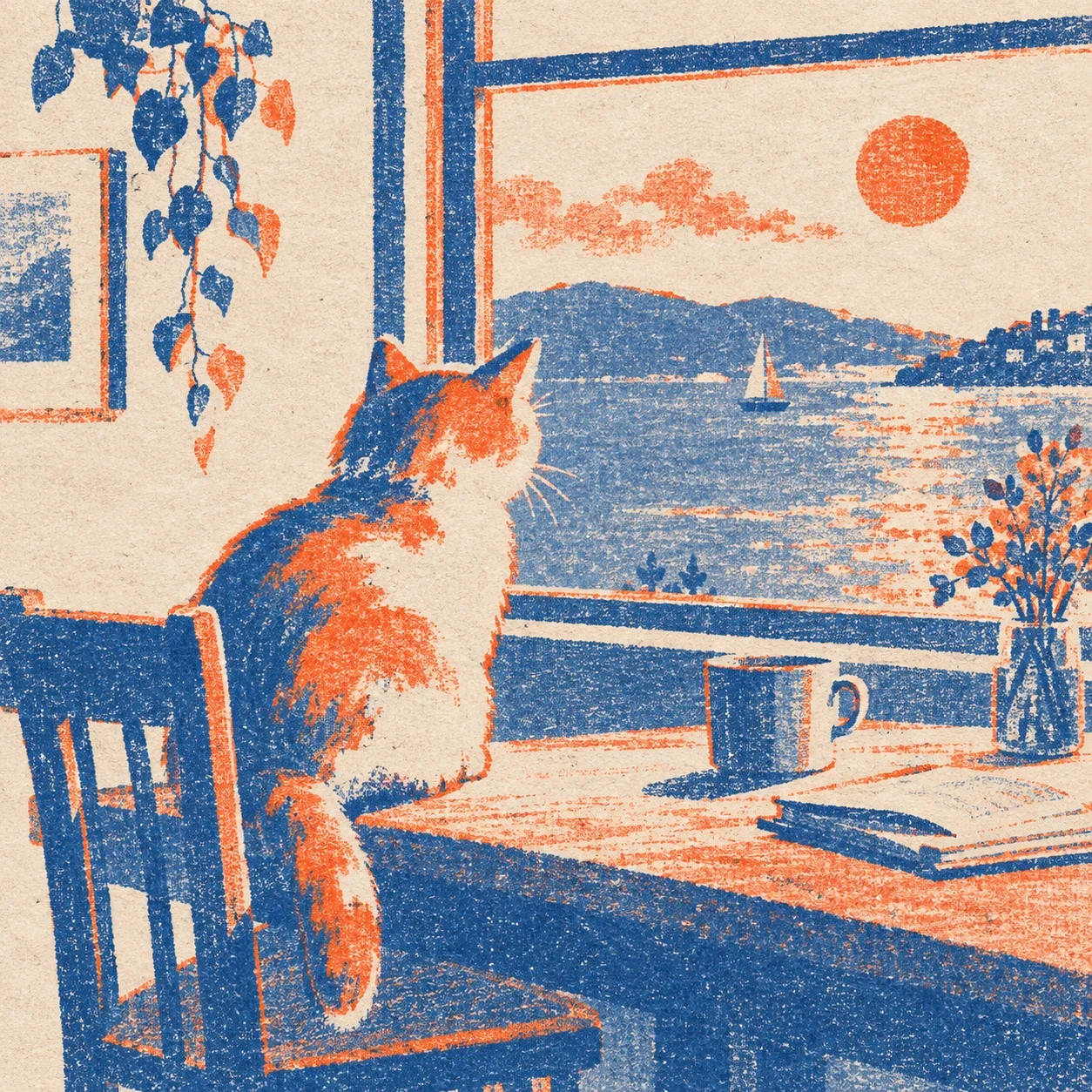
From idea to illustration
- 1
Choose a style
Search a name or number, or browse a category. Samples show a visual direction.
- 2
Describe your subject
Add the scene, optional constraints and lettering. Check the composition and actual canvas.
- 3
Generate, inspect and download
Use your Imgkits account, review the returned image and save the file. Adjust your brief for another run.
Hand-drawn image generator FAQ
Can I turn a photo into a drawing here?
This tool creates an image from text and a catalog style. For an existing photo, use Photo to Sketch or AI Style Transfer.
Does this produce human-drawn artwork or editable vectors?
It produces an AI-generated raster image with a hand-drawn look. It does not supply human drawing, SVG paths or editable text layers.
Will the image match the sample exactly?
Samples indicate style, not a promised result. Subjects, details and lettering can vary. Check each image before using it.
Why is the canvas different from my composition choice?
The original workflow uses a square, portrait or landscape model canvas. The requested composition is included in the prompt; the actual canvas is shown beside the control.
How many credits does an image use?
One successful image uses 1 credit from your Imgkits allowance or balance. Browsing styles costs no credits. A new generation is a separate run.
What should I do if a task stops or fails?
Resume a known task rather than submitting again. A stop-waiting action does not cancel the remote task. Uncertain creation or billing is kept for review without an automatic retry.